GC310, GC350, GC500, GC500Plus and GC500Mains User’s Manual 9
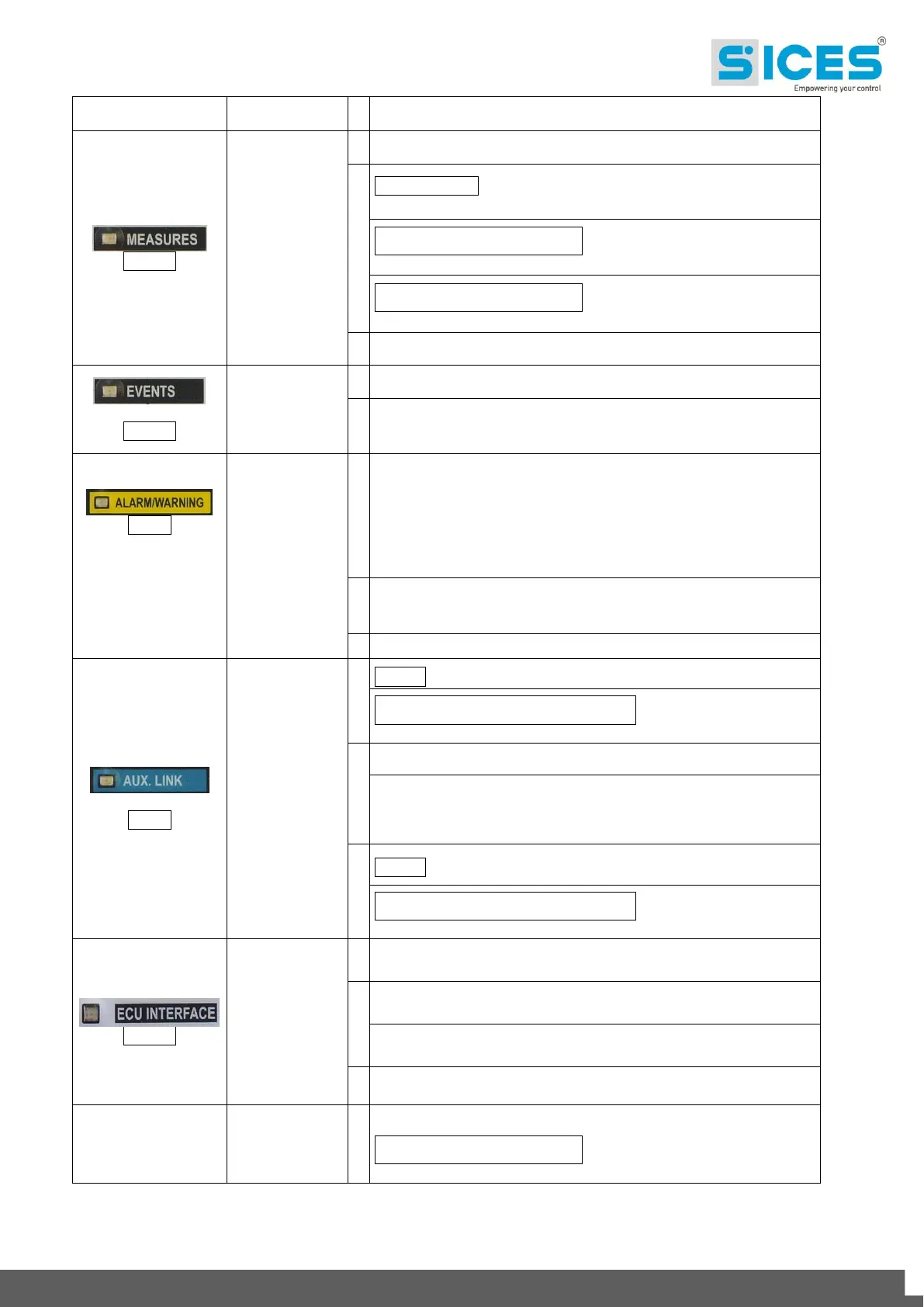
The display shows "MEASURES" mode pages.
GC310/GC350 - Flashing 50% - Engine measures window
enabled.
GC500/GC500
Plus
/GC500
Mains
- Flashing 25% ON - Parallel
measures window enabled.
GC500/GC500
Plus
/GC500
Mains
- Flashing 75% ON - Engine
measures window enabled.
The display shows “PROGRAM” or other mode.
The display shows "EVENTS" mode pages.
The display shows “PROGRAM” or other mode.
Indicates at least one lockout or power-off condition.
Indicates at least one warning not yet acknowledged by
pressing the “ACK/ENTER” button.
GC310 - Serial interface ON.
GC350/GC500/GC500
Plus
/GC500
Mains
- At least one serial
interface out of two is ON.
TEST mode enabled by serial port.
Indicates that a serial port command is running (the second
serial port is managed in signalling only if it is configured as a
COM port and not as an I/O expansion).
GC310 - Serial interface OFF.
GC350/GC500/GC500
Plus
/GC500
Mains
- At least one serial
interface out of two is OFF.
Indicates that the CAN-BUS interface is ON and in ERROR-
ACTIVE mode. (J1939 or MTU)
Flashing at 25% ON - J1939 or MTU COM error: port in
ERROR-PASSIVE mode.
Flashing at 75% ON - J1939 or MTU COM error: port in BUS-
OFF mode.
Mains power steadily within the tolerance range
GC500/GC500
Plus
/GC500
Mains
or MAINS SIMULATION digital
input ON since configuration.



 To Next Page