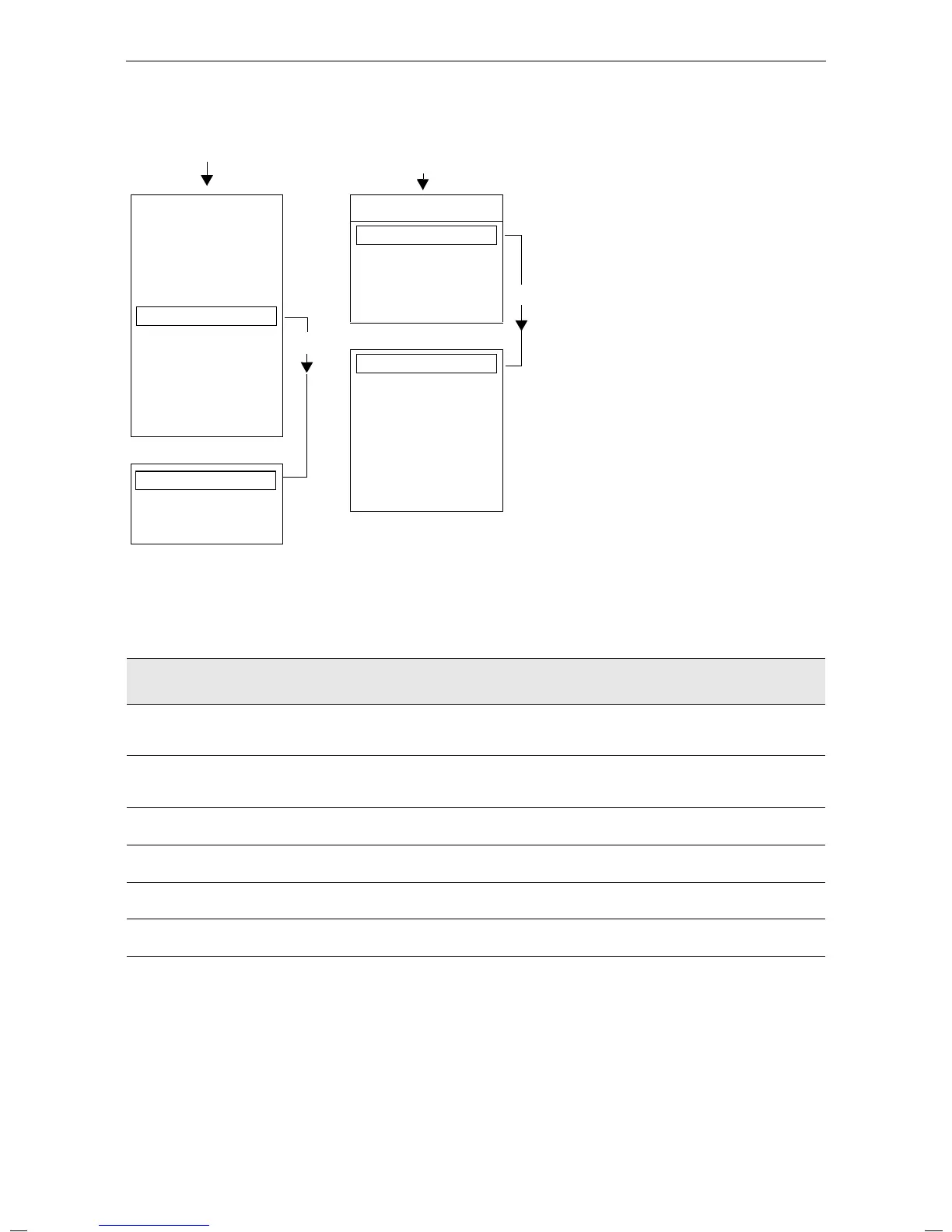
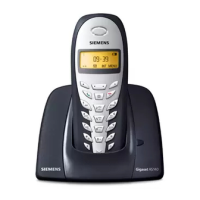
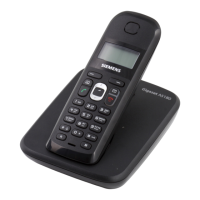
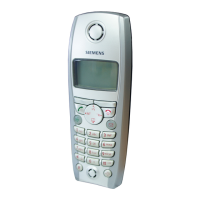
Brief overview of the handset
3
Gigaset 4000 Micro, IM1 eng, A31008-G4000-B022-2-6Z19
4000COU.FM
18.03.02
Important menus
Display symbols
The following symbols appear above the display keys depending on the situation:
* Not available in all countries
Display keys
Meaning
¨
Menu key: Activates the main menu when the phone is idle. During a call, it
activates a menu for the particular situation.
Z
Selects and confirms the menu function.
Ends and saves an entry.
W
Delete key (Backspace): Deletes characters from right to left.
{
Automatic redial key: Opens a list of the last five numbers dialled.
I
Displayed if SMS*, answering machine, mail service box or caller list is active
Í
One menu level back, cancel
©
Text Message*
Select Services
Add. Features
Calendar/Clock
Sound Settings
Call Charges
OKƒ
H/Set Settings
Base Settings
Voice Mail
Handset Volume
Ringer Settings
Advisory Tones
D
New Entry
Anne
Barbara
Chris
:
©
Display Number
Delete Entry
Copy Entry
Delete List
Send List
Available Memory








 To Next Page