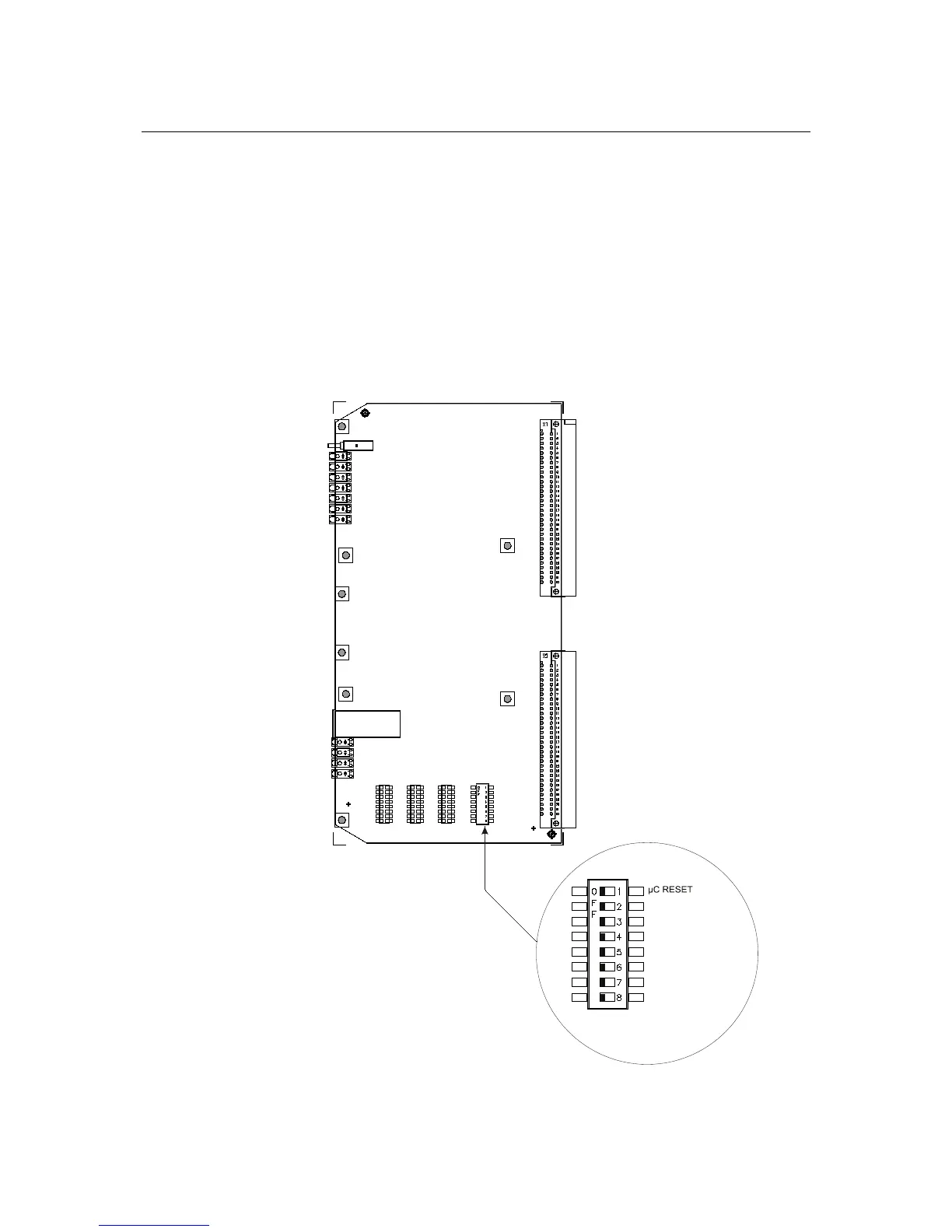
PRE-INSTALLATION The following components must be set prior to inserting the card into the
CC-5/CC-2:
S4, Test Switch: These switches select programming and test functions. All
switches must be set to the OFF position.
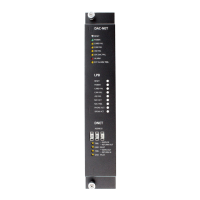
S6, Network Address Switch: Set the three-digit D-NET address for the
DAC-NET using the three position switch located near the bottom of the front
panel. (Refer to Figure 1 for the location of the switch.) The address at the
DAC-NET front panel must be the same as the address selected in the Zeus
Programming Tool. To increment each digit of the address, press the “+”
button above the desired digit; to decrement each digit, press the “-“ button
below the desired digit. The range of allowable network addresses is from 0
to 9 (left digit) and allowable node addresses is from 1 to 32 (two right digits).


 To Next Page