32
Standard settings
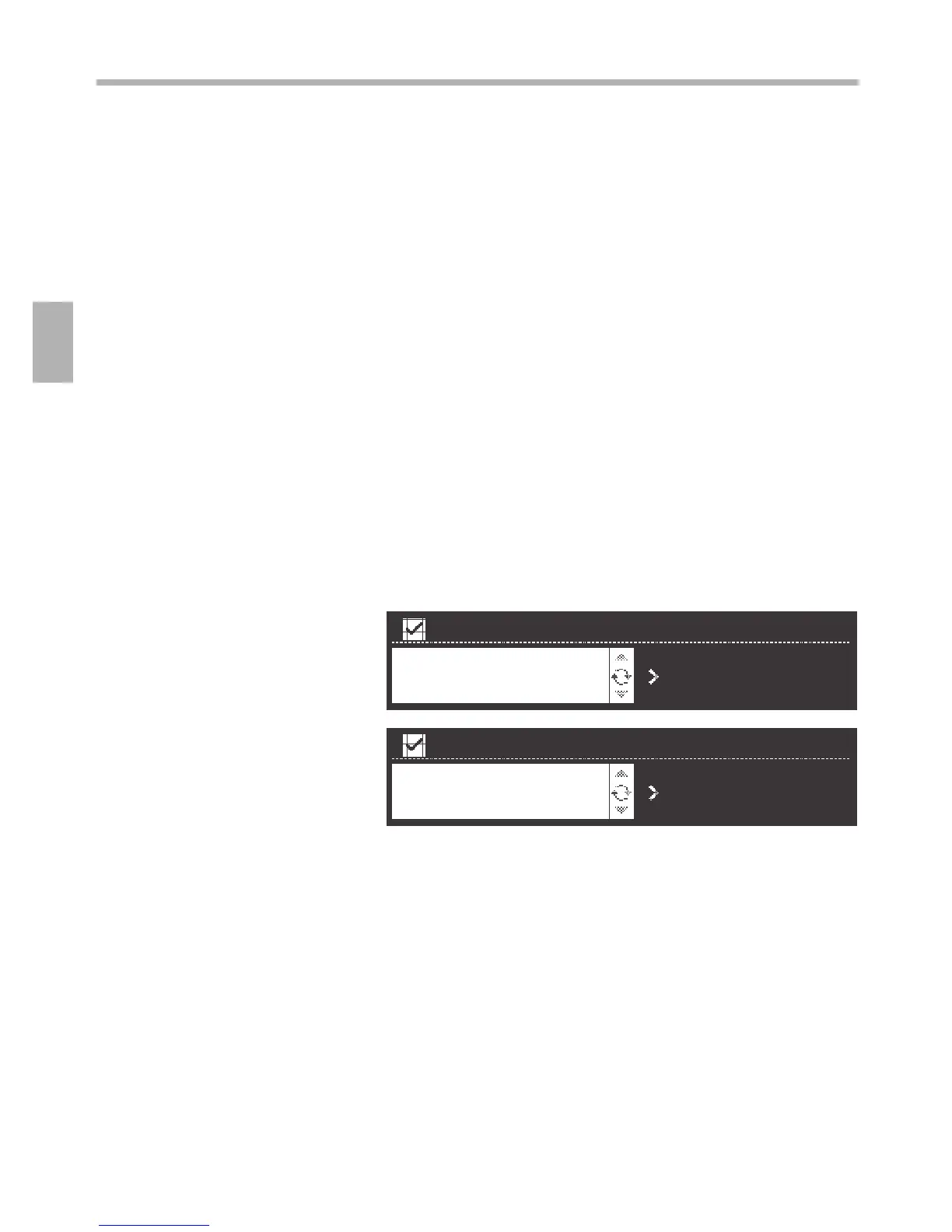
The ”Timer” settings area is lit.
1. Using the rotary selector, set the preferred time.
2. Press the t button to switch to the next settings area.
The ”Run-on time” settings area is lit.
1. Set the preferred time with the rotary selector.
2. Press the t button to switch to the next settings area.
The ”Intermittent time” settings area is lit.
1. Set the intermittent time with the rotary selector.
2. Press the t button to switch to the next settings area.
The extractor hood can be used in exhaust air and circulating
air mode.
1. Select the ”Exhaust air/Circulating air” settings area.
2. Set the operating mode with the rotary selector.
3. Press the t button to switch to the next settings area.
The brand logo can be switched on or o.
1. Select the “Display/brand logo” settings area.
2. Using the rotary selector, adjust the display.
Press the t button for approx. 3 seconds. The changes to the
standard settings are accepted.
Timer
Select run-on time
Select intermittent time
Exhaust air / circulating air
Brand logo display
Conrmation of standard
setting



 To Next Page