35
Intermittent ventilation starts automatically. The display
switches back to idle state after the set time has elapsed.
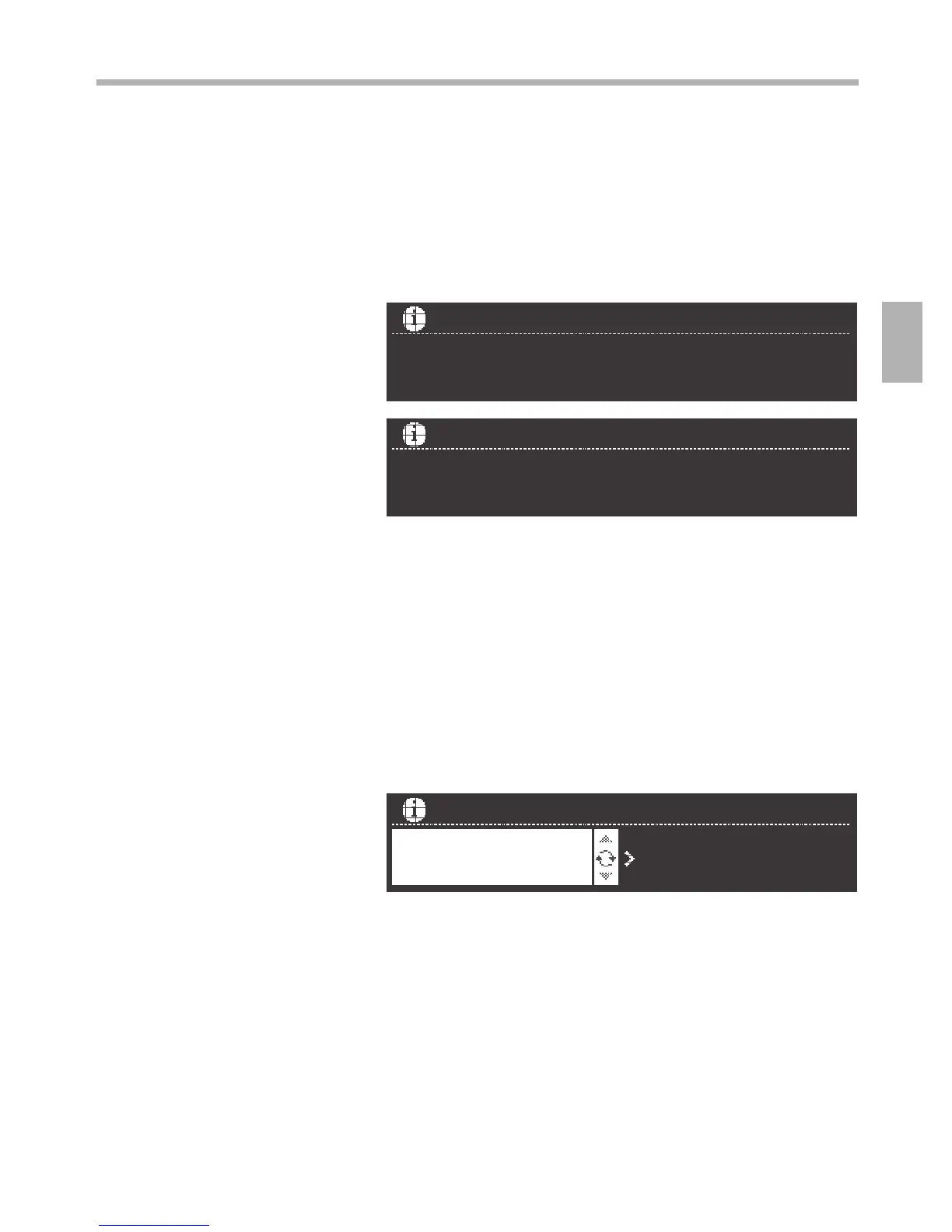
The saturation of the grease lters can be queried via the
Information button. To do this, the extractor hood must be
switched on.
Press thetbutton.
The saturation display of the grease lters can be reset even
before 100 % is reached.
1. Press the t button again. The settings area is lit.
2. Using the rotary selector, set the saturation display to 0 %.
If the t button is lit and a signal sounds when the extractor
hood has been switched o, the grease lters are 100%
saturated.
1. Clean the grease lters or replace the activated carbon
lter.
2. Set the indicator to “yes”.
3. Acknowledge the input by pressing the t button.
Saturation displays
Grease lters
NOTE
Operation



 To Next Page