12
Operating the telephone, menu overview
Gigaset E 1 / English / A31008-S002-B002-1-RY19 / guidance.fm / 17.10.2003
Operating the telephone, menu overview
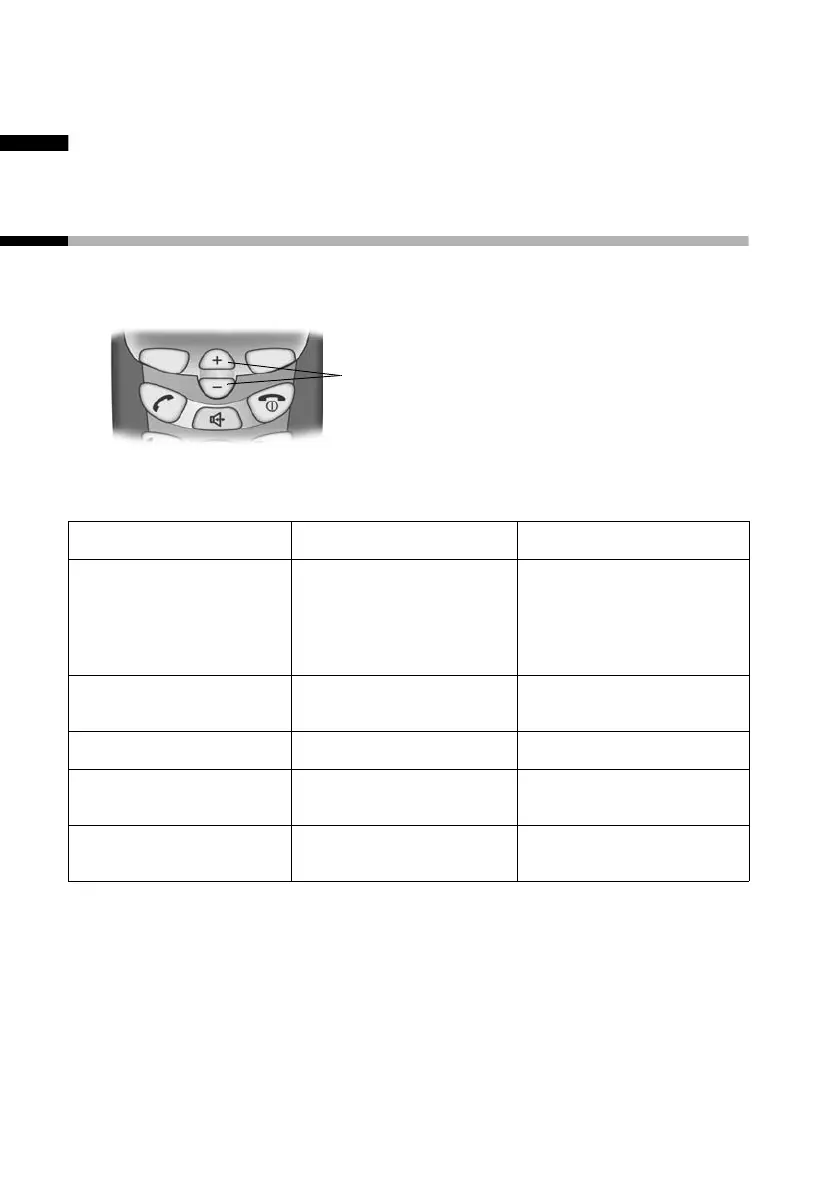
Control keys on the handset
The control keys have different functions, depending on the
particular operating situation of the handset.
Different functions of the control key.
Control keys
ts
In idle status and
when the
telephone is
ringing
Increase the volume
of the ringer
Decrease the volume
of the ringer
When making calls
Increase the
earpiece volume.
Decrease the
earpiece volume.
In lists and menus Scroll up. Scroll down.
In an input field
Move the cursor to
the left.
Move the cursor to
the right.
In handsfree mode
Increase the
handsfree volume.
Decrease the
handsfree volume.












 To Next Page