13
Operating the telephone, menu overview
Gigaset E 1 / English / A31008-S002-B002-1-RY19 / guidance.fm / 17.10.2003
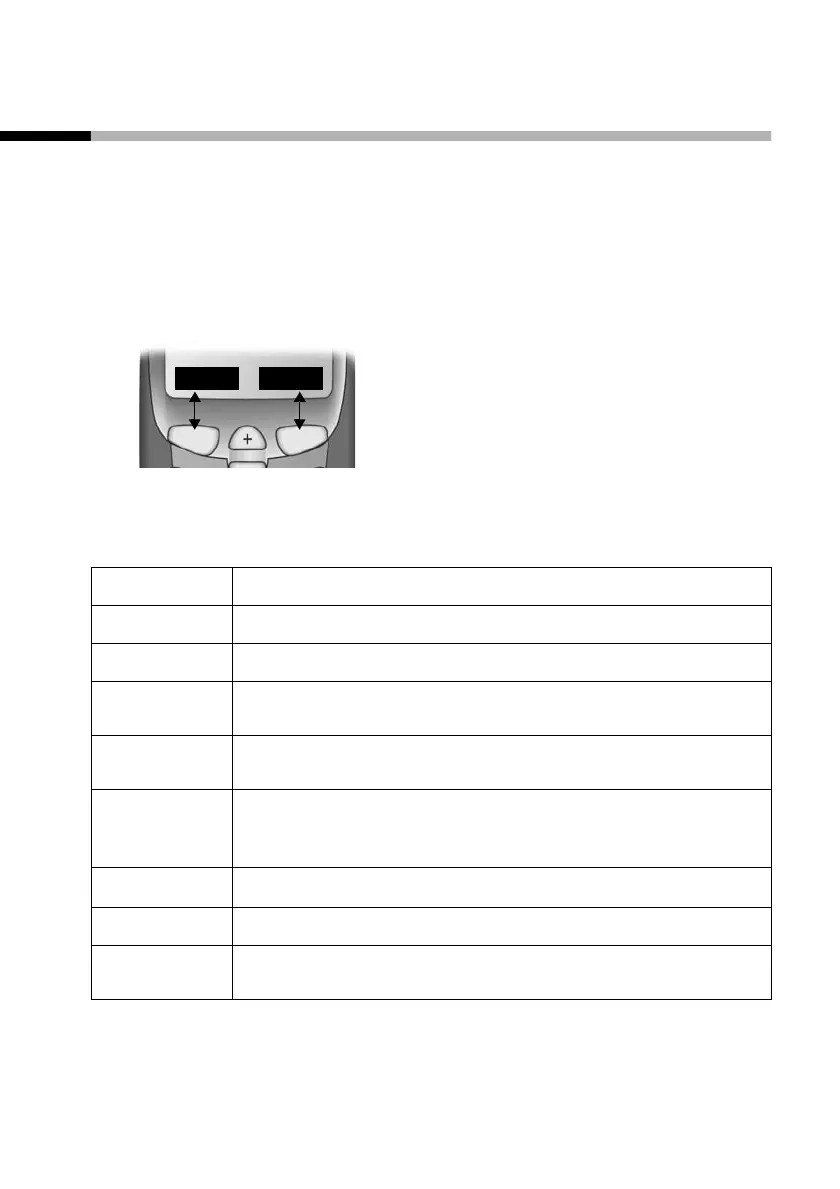
Function keys
The function keys are the right and left keys just below the
screen. Their function changes depending on the particular
operating situation. The current function is displayed in the
screen directly above the key to which it relates. If you can scroll
in a list, the icon also appears in the screen å.
Example
The various display symbols have the following meanings:
Function keys
REDIAL MENU
Screen icon Meaning when pressed
§Accept§
Answer a call.
§Silence§
Deactivate ringer on handset.
§REDIAL§
Automatic redial key: Open the list of the last
10 numbers you dialled.
§OK§
Confirm menu function or confirm an input and
store.
§MENU§
Activates the main menu when in standby.
Open a status-dependent menu while making a
call.
å
Move the keys t s upwards or downwards.
§ESC§
Go back one menu level, or cancel the operation.
§Delete§
Delete input from right to left one character at a
time.












 To Next Page