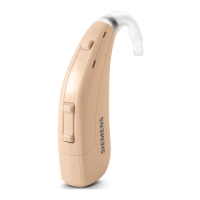
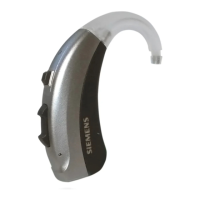
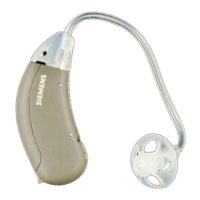
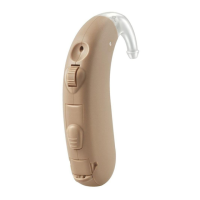
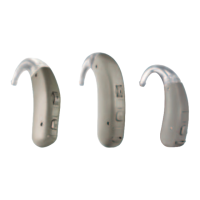
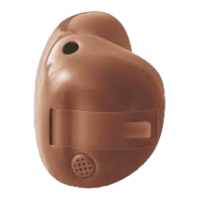
➊
Vent
➋
Battery compartment
➌
Microphone
➍
Removal cord (optional)
Controls
With the controls you can, for example, adjust the volume
or switch hearing programs. Your hearing instruments
either have a push button, a volume control wheel, or no
control at all.
Your Hearing Care Professional has programmed your
desired functions to the controls.
Control Left Right
Push button
Volume control wheel
No control
If your hearing instruments have wireless
functionality, you can also use a remote control or a
smartphone app to control them.


 To Next Page
 Loading...