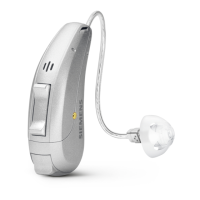
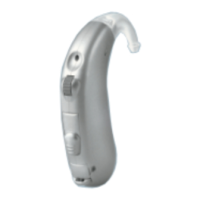
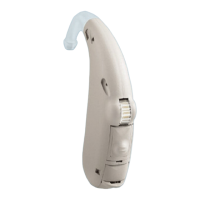
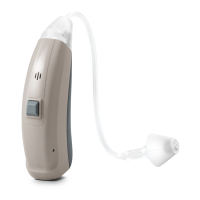
Batteries16
Inserting:
uRemove the protective lm from the new
battery.
uInsert the battery with the "+" symbol
facing up (refer to the picture).
uCarefully close the battery compartment. If you feel
resistance, the battery is not inserted correctly.
Do not attempt to close the battery compartment by
force. It can be damaged.


 To Next Page
 Loading...