Daily use24
Locking the controls (optional)
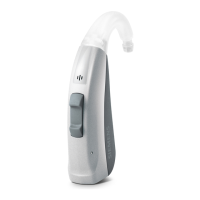
To prevent any accidental operation you can lock the
controls. When the controls are locked, both push button
and rocker switch are disabled.
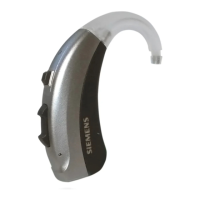
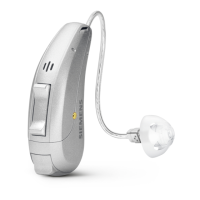
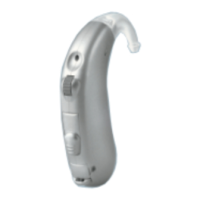
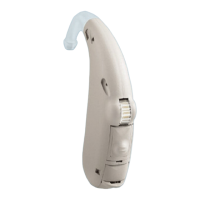
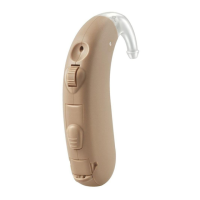
uTo lock the controls, press the top of the rocker switch
and hold it. Simultaneously press the push button on
the same hearing instrument for 3 seconds.
uTo unlock the controls, press the bottom of the
rocker switch and hold it. Simultaneously press the
push button on the same hearing instrument for
3 seconds.
Whether this function is congured for your hearing
instruments is listed in section "Controls".
■ If you are wearing two hearing instruments,
you have to lock or unlock the controls on each
hearing instrument separately.
■ Locking or unlocking can optionally be indicated
by an acoustic signal.
■ When you turn your hearing instruments off
and on again, the key lock remains in the
previously selected state.


 To Next Page
 Loading...