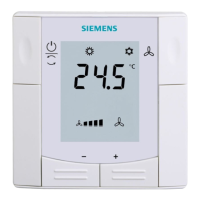
T
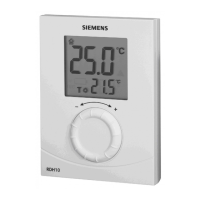
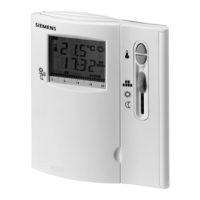
LCD Display
Guide to symbols
On LCD Display
Actual room temperature in °C
The selected temperature
Indicates there is a call for heat
Indication of low battery life, this signifies batteries must be replaced
How to use your Siemens RDH10/RDH10RF
Digital Room Thermostat
This leaflet gives you easy to follow instructions on how to use your RDH10 digital room thermostat.
Technical Helpline: 0870 850 0184
s
Rotary Dial
How do I set the required temperature?
Turn the rotary dial to the left to decrease the
required temperature, or to the right to increase the
required temperature.
The required temperature is displayed next to the
following symbol
T
Batteries Compartment
The RESET button on the back of the controller can be pressed to return the controller
to the factory settings



 To Next Page