2/8
Siemens Room temperature controllers CE1N3071en
Building Technologies 19.11.2007
Functions
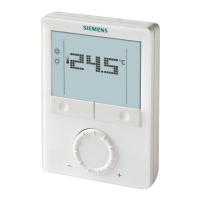
The controller acquires the room temperature with its integrated sensor.
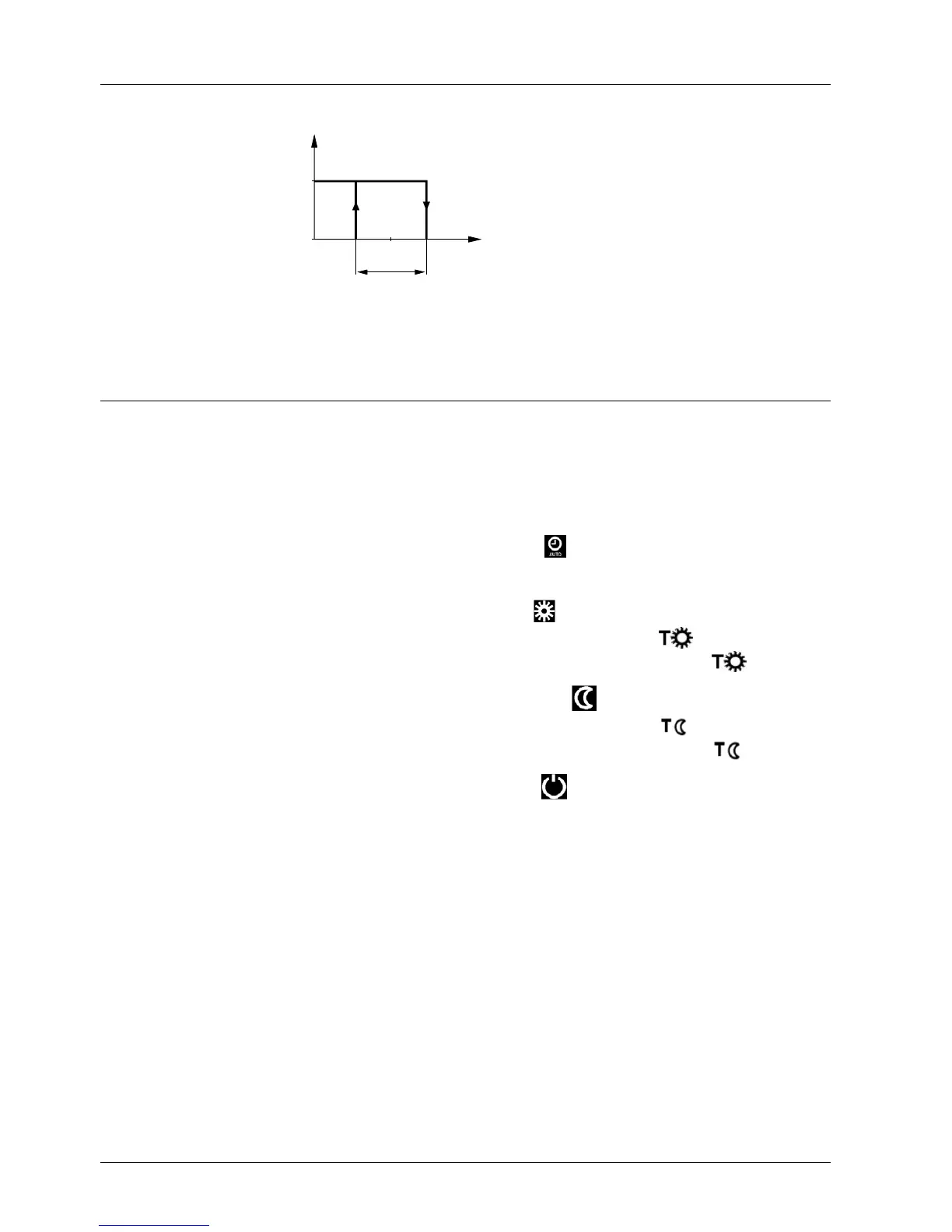
Q14
T[°C]
ON
OFF
W
SD
3031D01
T Room temperature
SD Switching differential
W Room temperature setpoint
L1 Output signal for heating
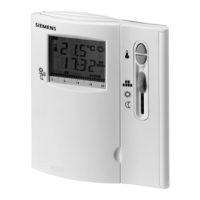
The RDJ10 provides room temperature control only.
Operating modes
The RDJ10 provides the following modes: Automatic, Comfort, Energy Saving and
Frost Protection.
Changeover between the operating modes is made by moving the operating mode
slider to the respective position.
When Automatic mode is active, symbol
appears on the display.
The RDJ10 operates according to the selected 24-hour time program.
When Comfort mode is active, symbol
appears on the display.
The RDJ10 controls to the temperature setpoint adjusted at
.
This setpoint can be readjusted by setting the programming slider to
.
When Energy Saving mode is active, symbol
appears on the display.
The RDJ10 controls to the temperature setpoint adjusted at
.
This setpoint can be readjusted by setting the programming slider to
.
When Frost Protection is active, symbol
appears on the display.
The RDJ10 controls to the fixed temperature setpoint for frost protection.
.
.
.
Function diagram
Temperature sensor
Automatic mode
Comfort mode
Energy Saving
mode
Frost Protection
L1



 To Next Page
 Loading...