B517
B517 Page 4 840D/828D SINUMERIK Operate
Notes
Section 2
Switching on the machine and the control unit
3. Switch on the control unit. Depending on the individual machine this
switch can be found on the operating desk or the switchgear cabinet of
the machine, else the control unit is switched on automatically when
turning the main switch.
Further to this see the documentation by the machine manufacturer.
The control unit boots.
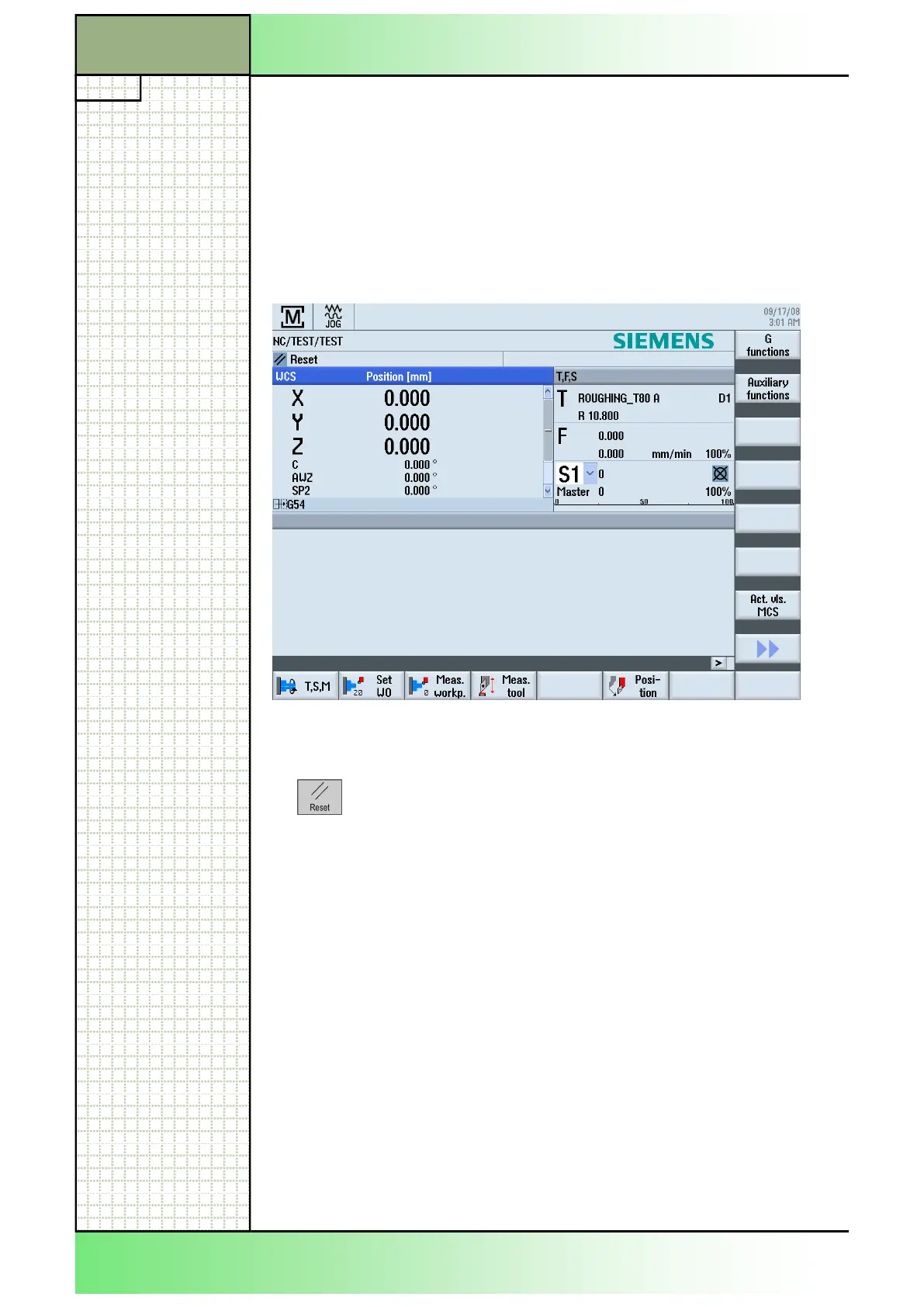
While booting a welcome image is displayed, followed by the basic
screen of the Sinumeric Operate:
4. Any fault messages that might be displayed can be cleared by means of
the “RESET“-key on the machine control panel.
















 To Next Page