840D/828D SINUMERIK Operate
Notes
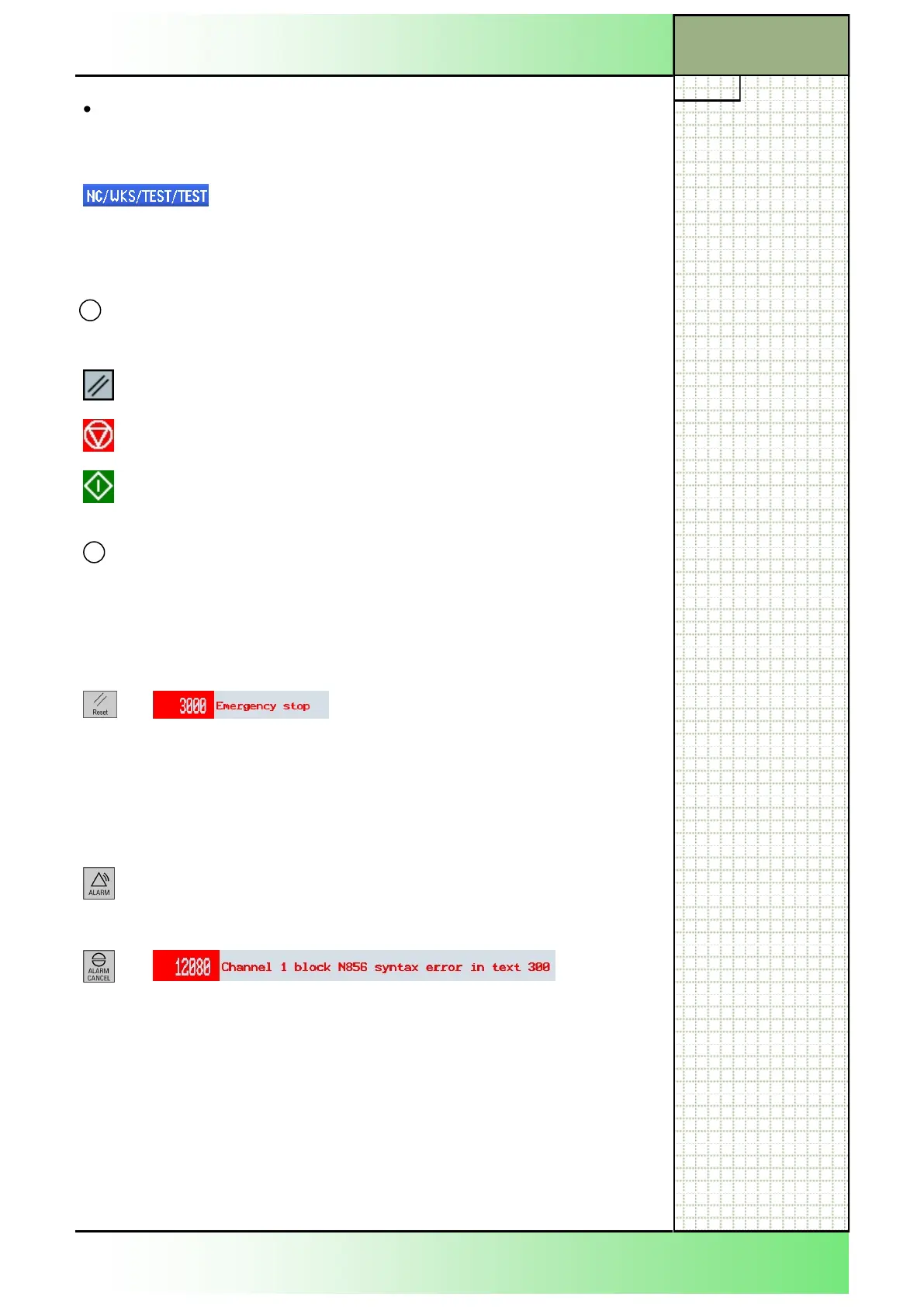
Alarm and message line
In case of a syntax error in the program code or a hardware malfunction
(e.g. emergency stop) an alarm number with explaining text shows up.
4
MCP Display
area
Description
After correcting the error (correction of the hard-
ware malfunction) you can reset the error message
with the “RESET“-button.
CNC-keyboard
By pressing the “ALARM“-key on the keyboard the
“Alarm list”-window shows up, with a list of all active
alarm messages.
After correcting the error (correction of the syntax
error) you can reset the error message with the
“ALARM CANCEL“-key on the keyboard.
Status, program influence and chanel name
3
Display area Description
Reset
Interupted
Activated
Basic operations
Section 2
Folder “Workpieces”
Workpiece programs stored here have the file extension WPD.
Display in the edi-
tor
Description
The selected program “TEST.MPF” is stored on the
NC in the workpiece directory “TEST.WPD“. The
“WKS” in the program path refers to the directory
“Workpieces“.
















 To Next Page