B518
B518 Page 10 840D/828D SINUMERIK Operate
Notes
Section 2
Basic operations
2.2.1 Horizontal softkey bar (HSK)
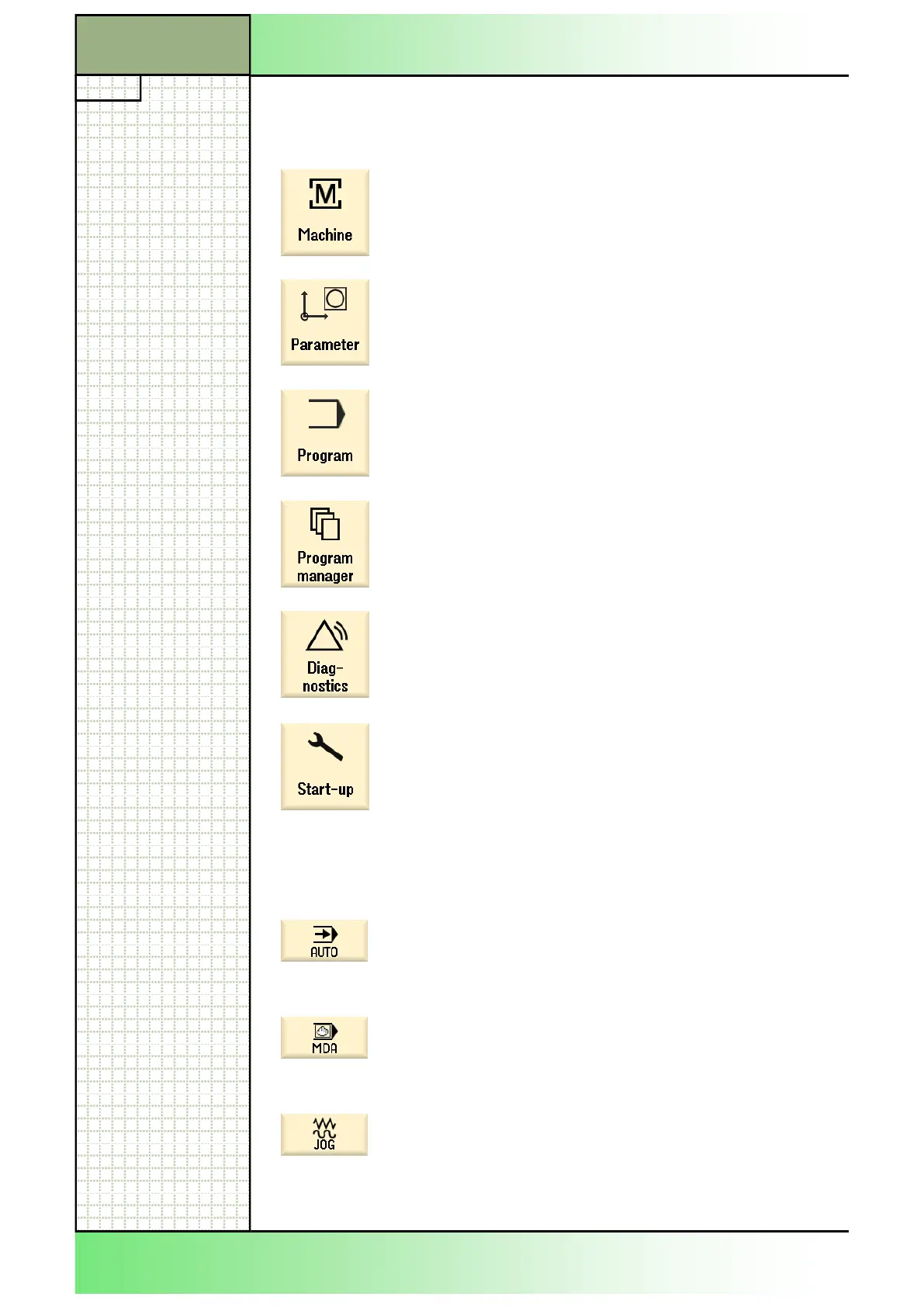
Display area Description
By pressing HSK 1 “Machine“ the operating are
“Machine“ will be called up.
See module B519 - “Operating area machine“.
By pressing the HSK 2 “Parameter“ the operating
area “Parameter“ will be called up.
See module B523 - “Operating area Parameter“.
By pressing the HSK 3 “Program“ the operating
area “Programm“ will be called up.
See module B524 - “Operating area Programm“.
By pressing the HSK 4 “Program-Manager“ the op-
erating area “Program-Manager“ will be called up.
See module B525 - “Operating area Program-
Manager“.
By pressing the HSK 5 “Diagnose“ the operating
area “Diagnose“ will be called up.
See module B526 - “Operating area Diagnose“.
By pressing the HSK 6 “Start-up“ the operating area
“Start-up“ will be called up.
See module B527 - “Operating area Start-up“.
2.2.2 Vertikale Softkey-Leiste (VSK)
Display area Description
By pressing the VSK 1 “AUTO“ the operating mode
“AUTO“ will be called up.
See module B522 - “Operating mode AUTO“.
By pressing the VSK 2 “MDA“ the operating mode
“MDA“ will be called up.
See module 521 - “Operating mode MDA“.
By pressing the VSK 3 the operating mode “JOG“
will be called up.
See module B520 - “Operating mode JOG“.
















 To Next Page