840D/828D SINUMERIK Operate
Notes
Considerations for the input masks
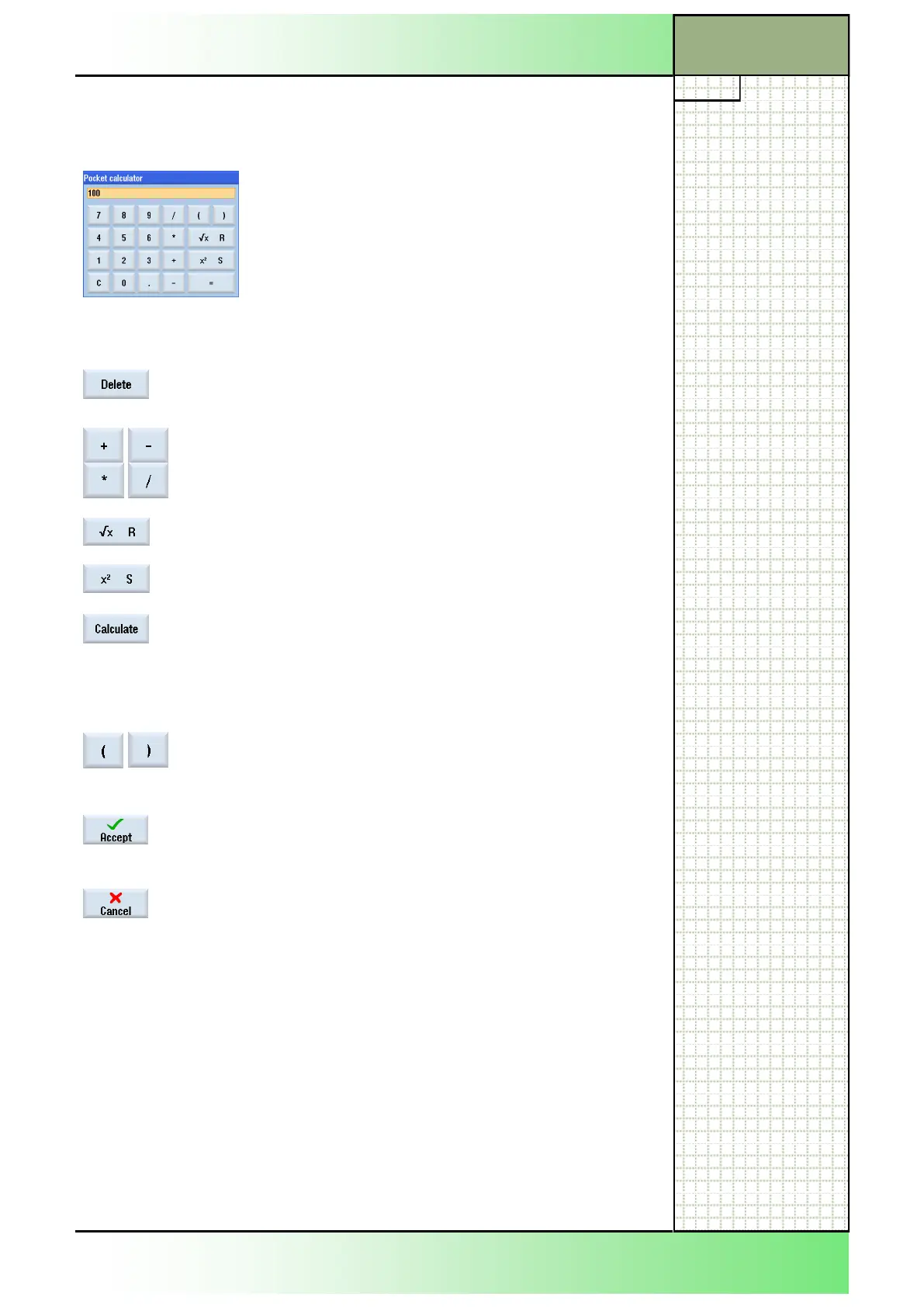
3.3 Pocket calculator
The calculator can be called-up from every part of the operating area.
If a numerical entry is necessary in an input field
you can open the pocket calculator by pressing the
equal sign (=) on the keyboard.
Any existing value in the entry field will be captured
into the calculator window.
Controls Description
By pressing the softkey “Delete“ every input or out-
come value in the calculator will be deleted.
For calculating values the four basic arithmetical
operators are available, as well as…..
squareroot (R) and…
square/second power (S).
If you enter the letter “R“ with a following number in
the calculator and press the “Calculate“ button than
the squareroot of the entry will be calculated. If you
place first a “S“ instead of a “R“ in front of the num-
ber the square will be calculated.
A mathematical function with values in parenthesis
allows the calculation of complex mathematical ex-
pressions.
The softkey “Accept“ transfers the outcome to the
input mask and closes the pocket calculator inde-
pendently.
The button “Cancel“ closes the pocket calculator.
Section 3
















 To Next Page