B520
B520 Page 20 840D/828D SINUMERIK Operate
Notes
Section 6
Measuring a tool
6.3 Measuring a tool manually
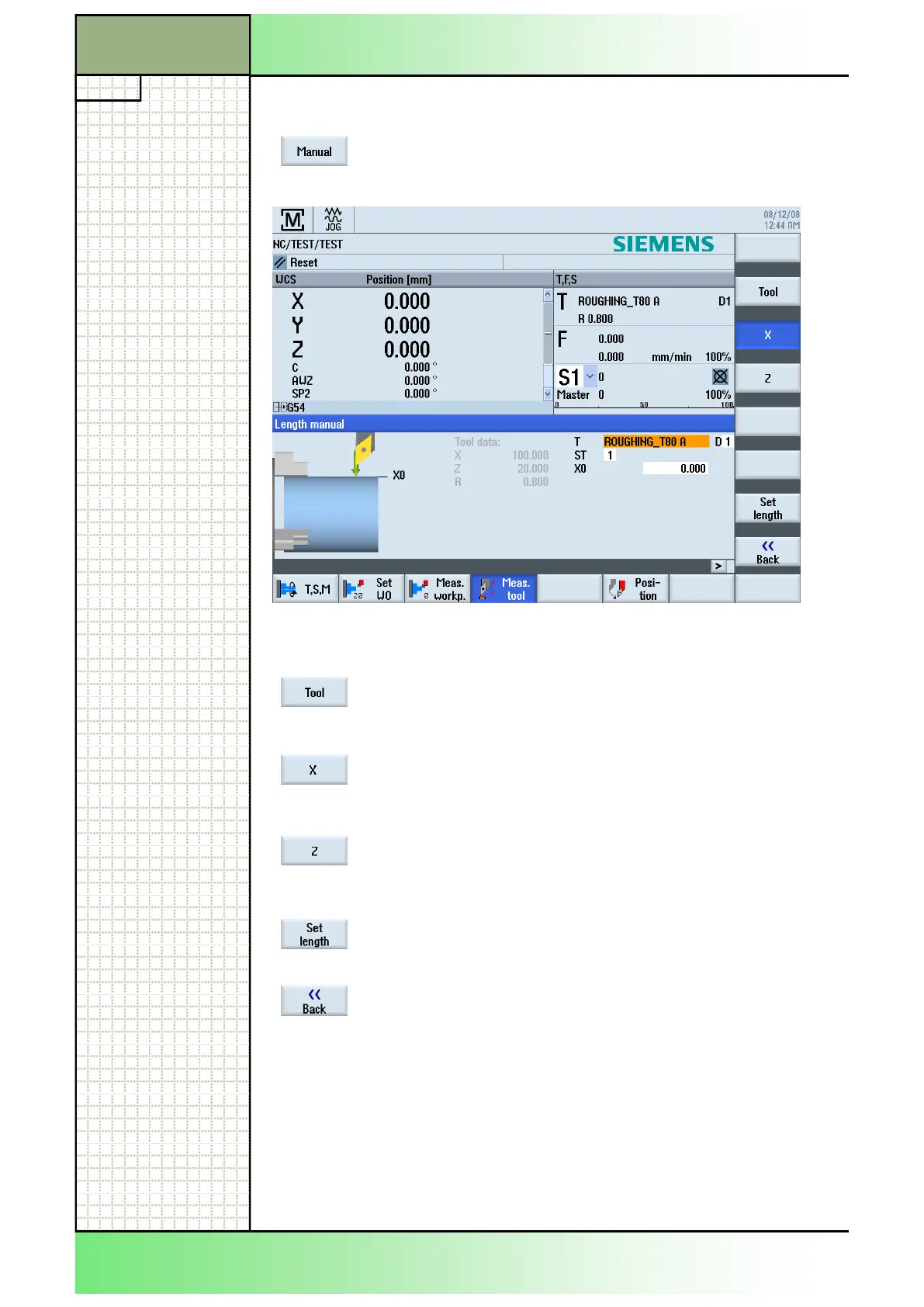
By pressing the VSK 1 "Manual" the following input
mask opens.
6.3.1 Vertical softkey bar (VSK)
By pressing the VSK 2 "Tool" the tool list opens.
See module B523 - "Operating area Parameter".
By pressing the VSK 3 "X" the input mask for the
manual length measurement of the X-axis is called
up.
By pressing the VSK 3 "Z" the input mask for the
manual length measurement of the Z-axis is called
up.
By pressing the VSK 7 "Set length" the input values
inserted are accepted.
the main screen of the sinumerik Operate.
















 To Next Page