B520
B520 Page 22 840D/828D SINUMERIK Operate
Notes
Section 6
Measuring a tool
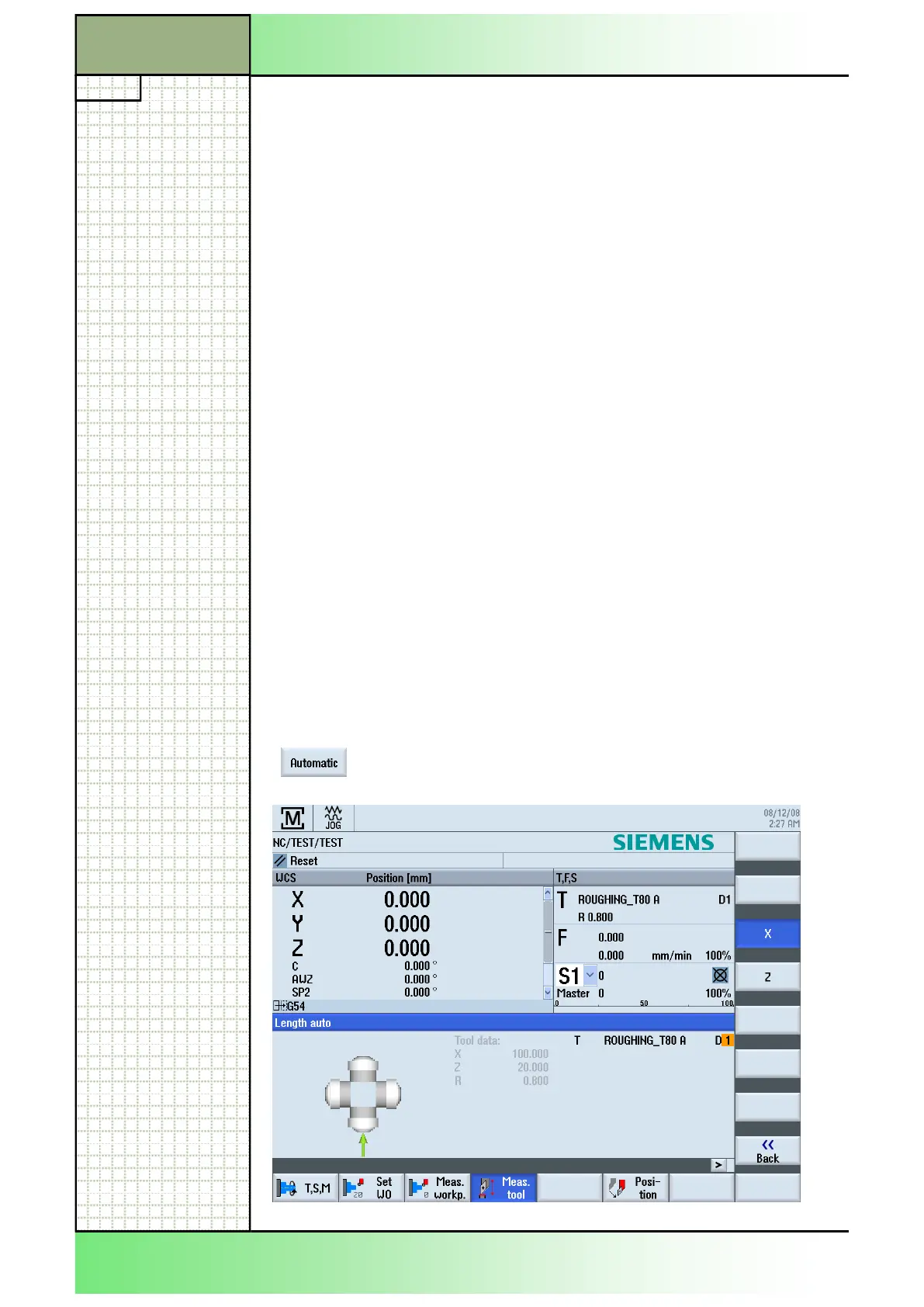
6.4 Measuring a tool automatically
By pressing the VSK 2 "Automatic" the input mask
6.3.4 Measuring a tool manually with reference point on the chuck
1.
2. Press the VSK 4 "Z".
3.
4. After opening the tool list, select the tool that has to
be measured.
The cutting edge position and the radius or diameter
of the tool must already be entered in the tool list.
5.
window.
6.
7. Put a distance gauge on the chuck, traverse the tool
towards the chuck and scratch it.
8. Press the VSK 7 "Set length".
The tool length is calculated automatically and entered in the tool list.
Whereby the cutting edge position and tool radius or diameter are auto-
matically taken into consideration as well.
















 To Next Page