B523
B523 Page 30 840D/828D SINUMERIK Operate
Notes
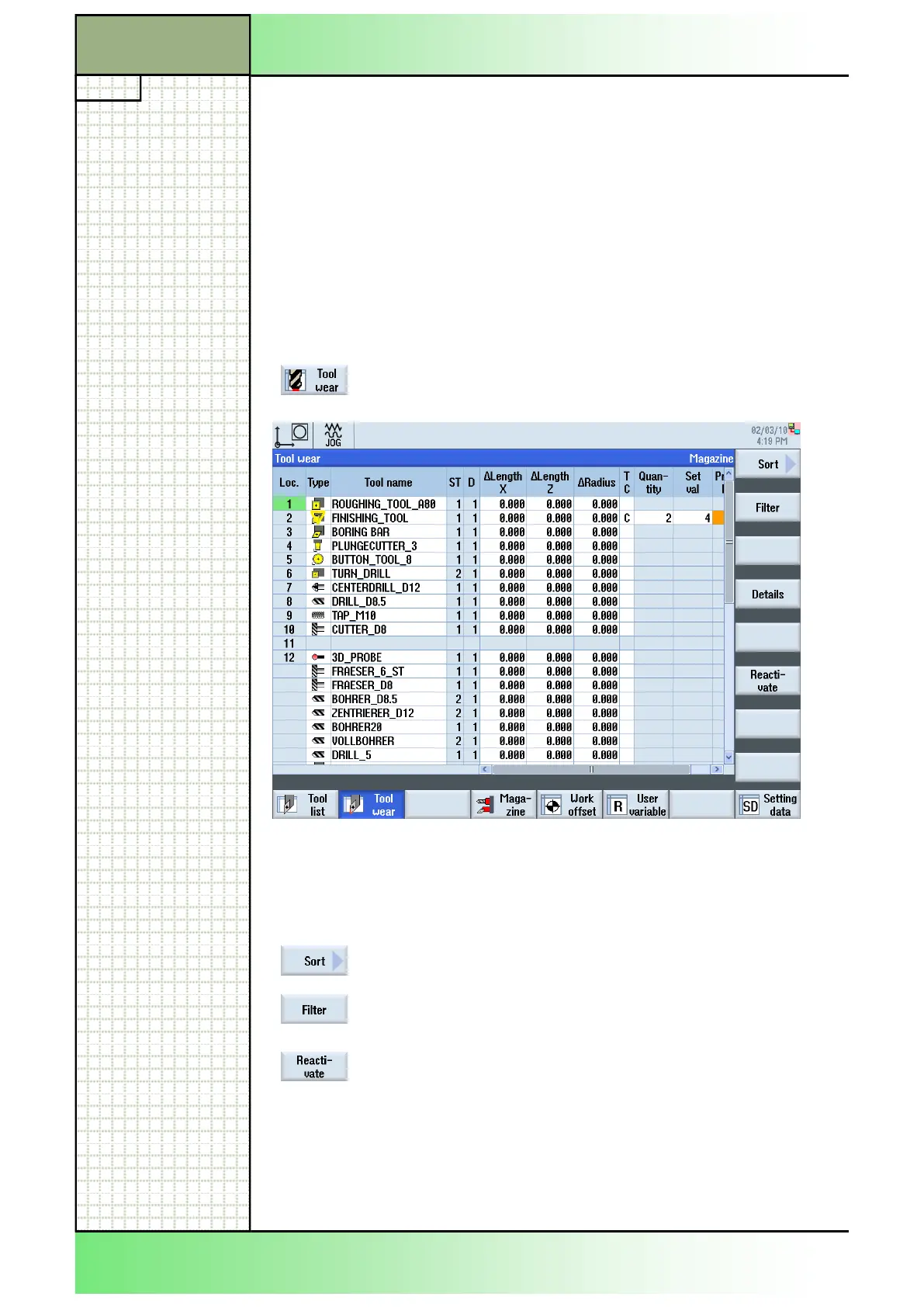
All parameters and functions that are required during operation are con-
tained in the tool wear list.
Tools that are in use for long periods are subject to wear. You can meas-
ure this wear and enter it in the tool wear list. The Sinumerik Operate then
takes this information into account when calculating the tool length or ra-
dius compensation. This ensures a consistent level of accuracy during
workpiece machining.
You can automatically monitor the tools' working times via the workpiece
count, tool life or wear.
In addition, you can disable tools when you no longer wish to use them.
4.1 Selecting the function “Tool wear“
By pressing the HSK 2 “Tool wear“ the “Tool wear”
window opens.
4.2 Vertical softkey bar
Display area Description
By pressing the VSK 1 “Sort” and “Filter” you can
sort and filter the tools in the tool list according to
different parameters.( See section 3.12 and 3.13)
By pressing the VSK 6 “Reactivate“ locked tools
can be made operational again.
(See section 4.7)
Section 4
Tool wear
















 To Next Page