840D/828D SINUMERIK Operate
Notes
Setting data
Section 9
9.6 Data list
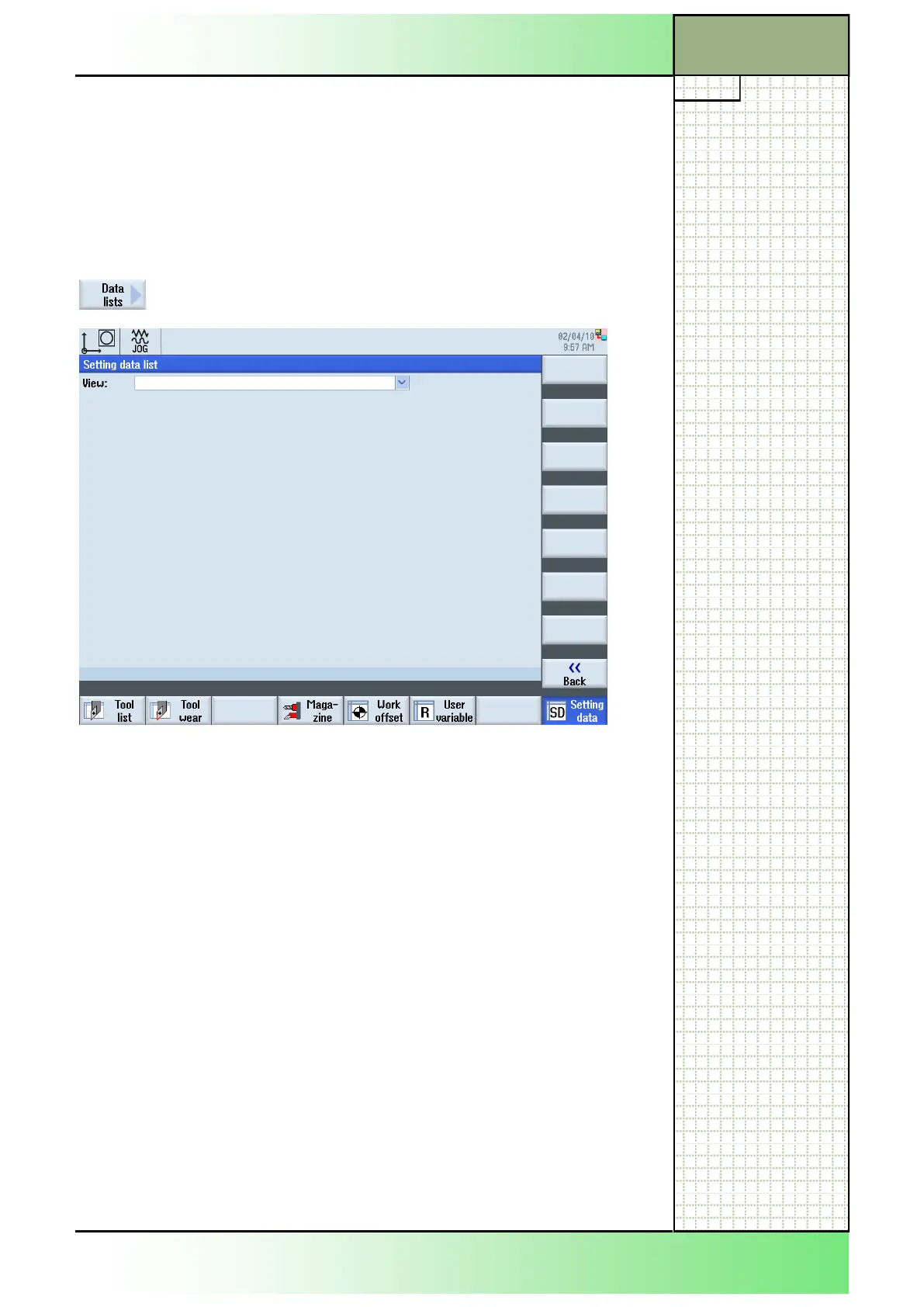
In the screen “Setting data list” you can select and display prepared setting
data lists with configured setting data. Please refer to the machine manu-
facturer`s documentation.
9.6.1 Selecting the function “data list”
By pressing the VSK 4 “Data list“ the “Setting data
list” window opens.
In parameter “View” you can select the predefined setting data lists to dis-
play the configured setting data.
















 To Next Page