840D/828D SINUMERIK Operate
Notes
5.5.3 Changing the HighSpeed settings
1. In the operating area “Program“ press the HSK 1.6
“Various”.
2. Here, press the VSK 2.1 “HighSpeed settings“.
3. Optionally change the graphic view on the blank by
pressing the VSK 2 “Graphic view”.
4. Enter the parameter values for “Tolerance” and
“Machining”.
5. Press the VSK 8 “Accept” to accept your inputs or
abort by pressing the VSK 7 “Cancel”.
A new program block “CYCLE832” with the high
speed settings is inserted into the program (alike the
picture below).
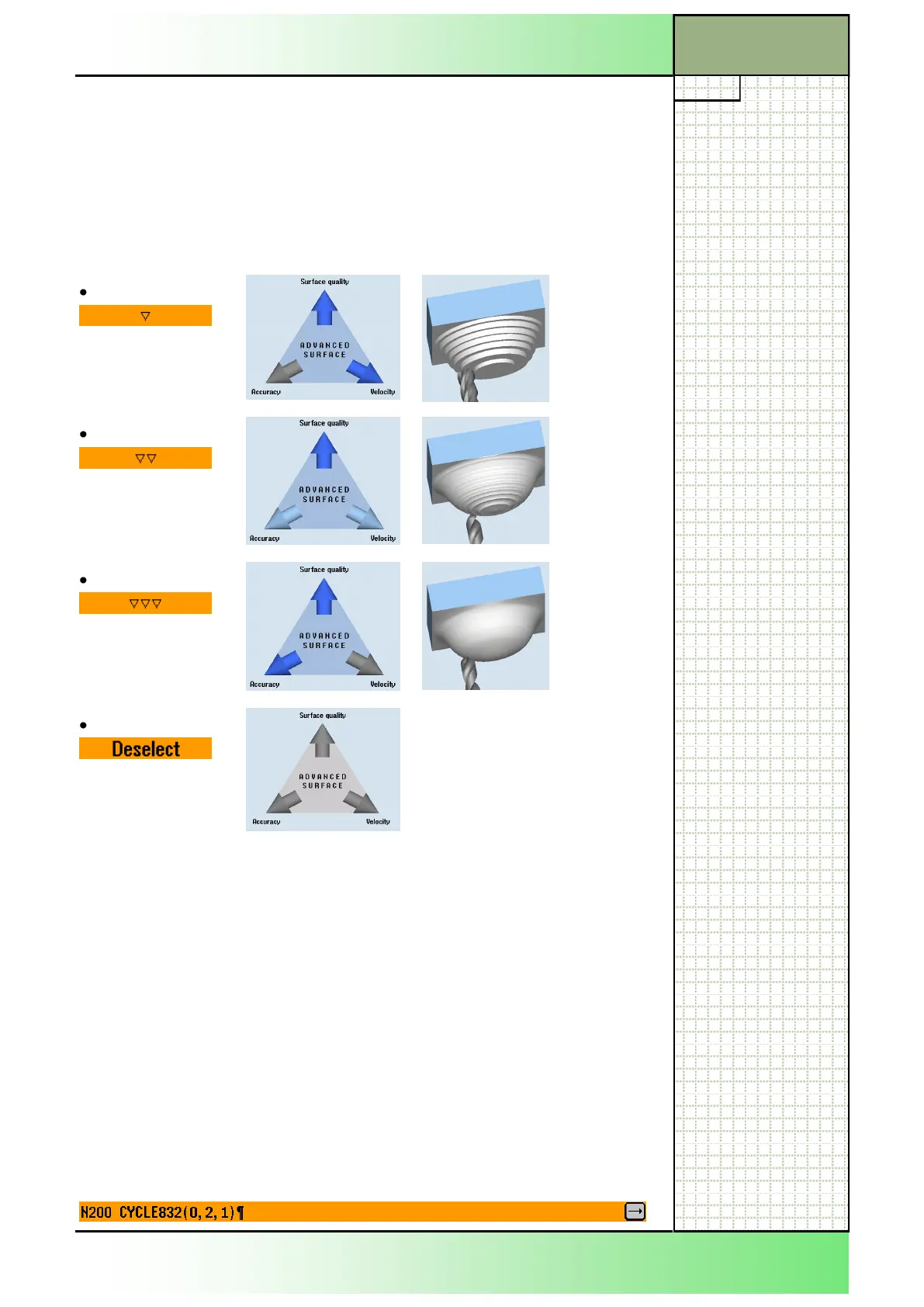
5.5.2 Parameter for „HighSpeed Settings“
Parameter Helping picture Animation
PL
The parameter for the machining plane is optional
and has to be activated by a machine data setting.
Tolerance
Tolerance values for the machining.
Machining:
Roughing
Prefinish
Finishing
Deselect
none
Section 5
Various
















 To Next Page