840D/828D SINUMERIK Operate
Notes
6.1 Selecting the function “Simulation”
The function “Simulation” can be selected from the operating mode “JOG“,
“MDA“ and “AUTO“ as follows:
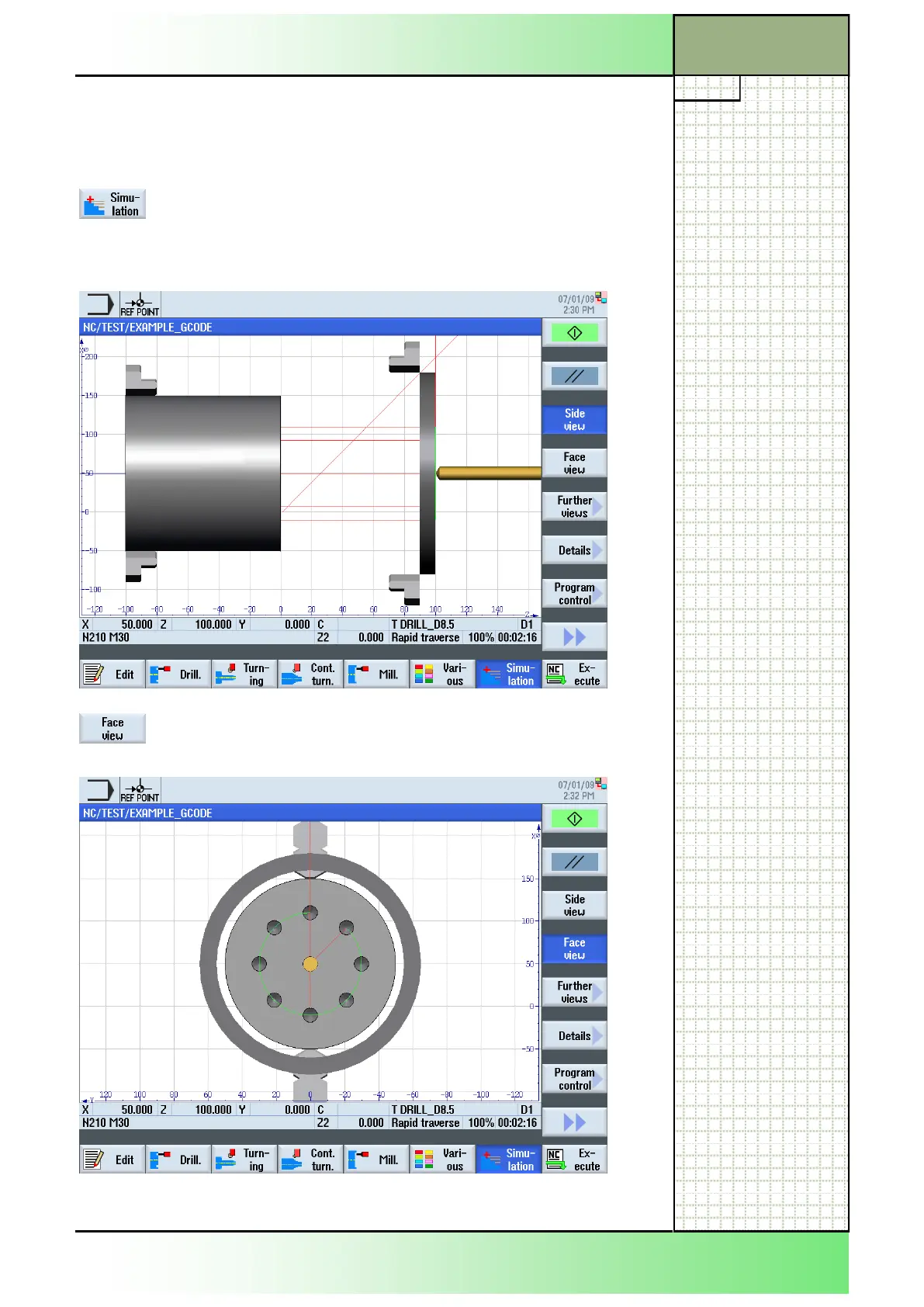
With a program loaded, press the HSK 1.7
“Simulation“ to start a simulation run. The following
screen opens, with a side view on the blank by de-
fault. After a short period of calculation the simula-
tion starts.
By pressing the VSK 1.4 “Face view” the simulated
workpiece will be shown in a face view from the front
(see picture below).
The following softkeys and functions will be available in the vertical softkey
bar:
Section 6
Simulation
















 To Next Page