B626
B626 Page 8 840D/828D SINUMERIK Operate
Notes
Section 2
Simple programming example
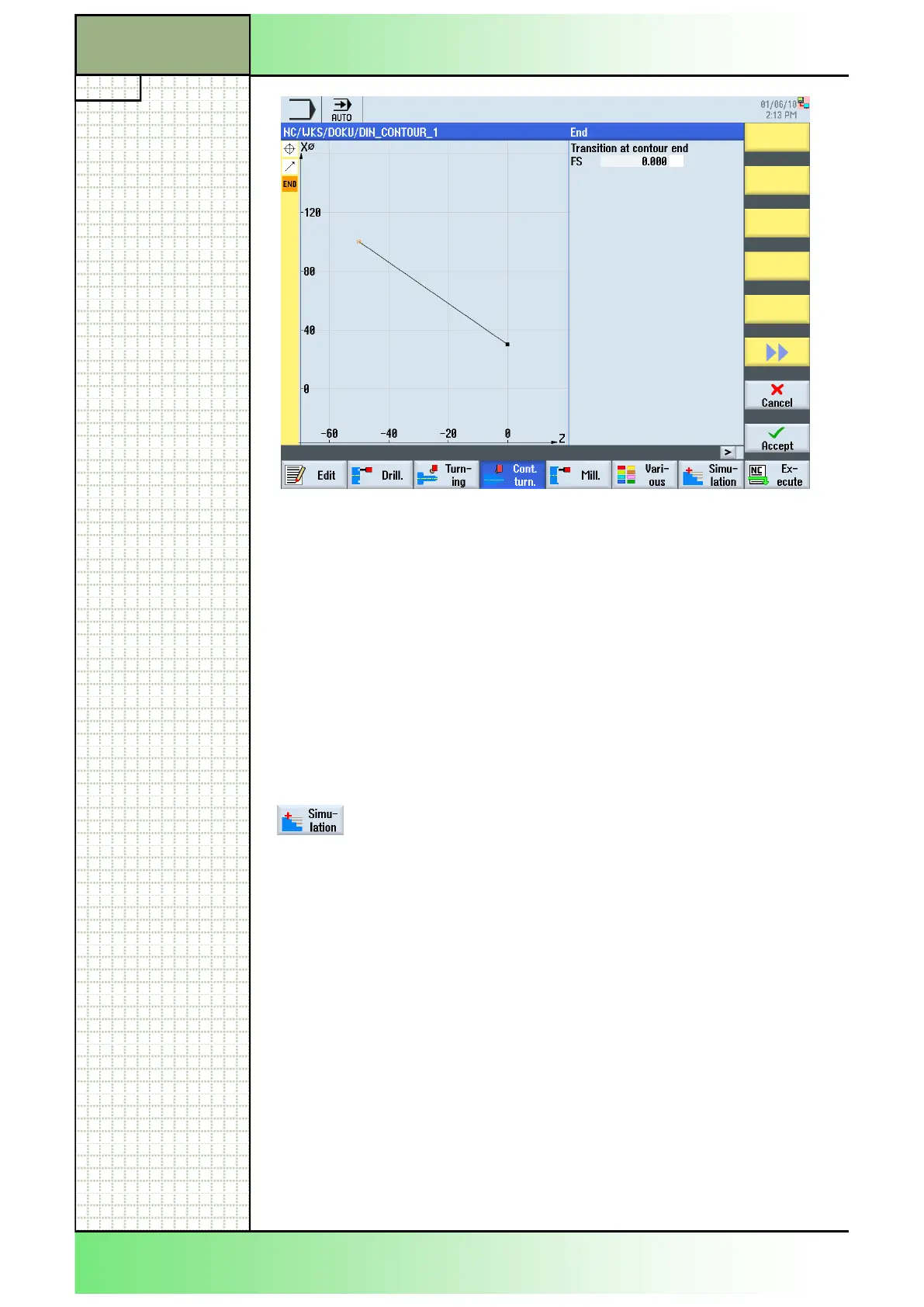
17. Finish the contour by pressing the VSK 8 “Accept”.
The following program lines will be inserted into the
program.:
N200 E_LAB_A_BEVEL: ;#SM Z:4
G18 G90 DIAMOF;*GP*
G0 Z0 X15 ;*GP*
G1 Z-50 X50 ;*GP*
E_LAB_E_SCHRAEGE:
18. Simulate the machining.
Press the HSK 1.7 “Simulation” to start the simula-
tion of the program.
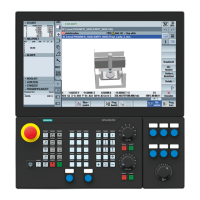
The control calculates the simulation parameters
and the simulation window opens, showing the work-
piece in side view, by default (see the picture on the
next page).




 To Next Page