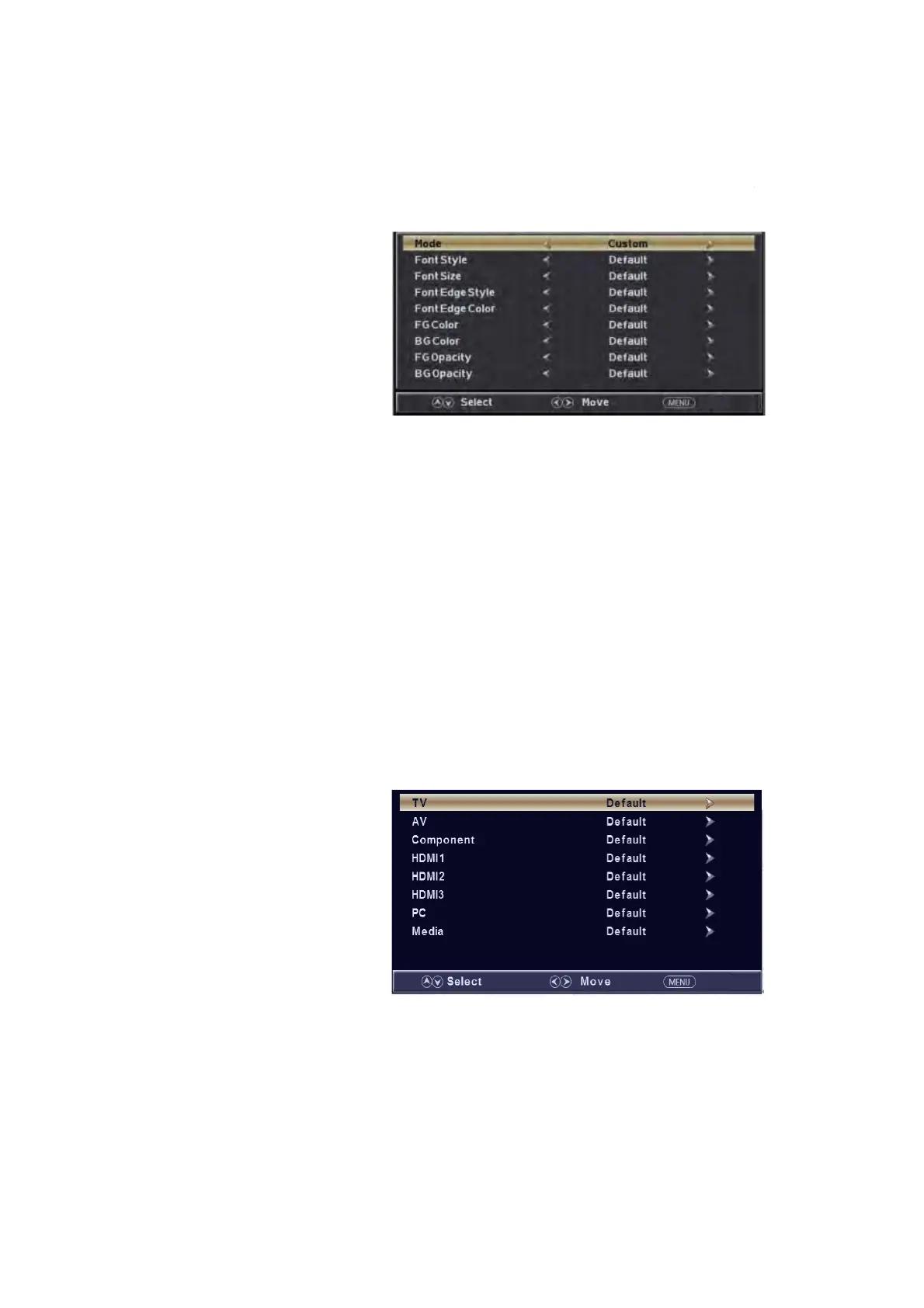
(a). Press “c/d” button to s
elect “Mode” the “e/f” button to adjust.
(b). Press “c/d” button to select “Font Style” the “e/f” button to adjust.
(c). Press “c/d” button to select “Font Size” the “e/f” button to adjust.
(d). Press “c/d” button to select “Font Edge Style” the “e/f” button to adjust.
(e). Press “c/d” button to select “Font Edge Color” the “e/f” button to adjust.
(f). Press “c/d” button to select “FG Color” the “e/f” button to adjust.
(g). Press “c/d” button to select “BG Color” the “e/f” button to adjust.
(h). Press “c/d” button to select “FG Opacity” the “e/f” button to adjust.
(i). Press “c/d” button to select “BG Opacity” the “e/f” button to adjust.
Note: All the option it is not available in Custom.
5. Press “cc/d” button to select “Input Label” and press the “ENTER/f” button to enter
sub-menu.
Note: The
source label is
Create labels
for the
devices
connected to
your TV.
6. Press
“c/d”
button to select
“Other
Settings”
and press
the “ENTER/f” button to enter
sub-menu.
13
Return
Return
Return
/MHL


 To Next Page