EasyManua.ls Logo

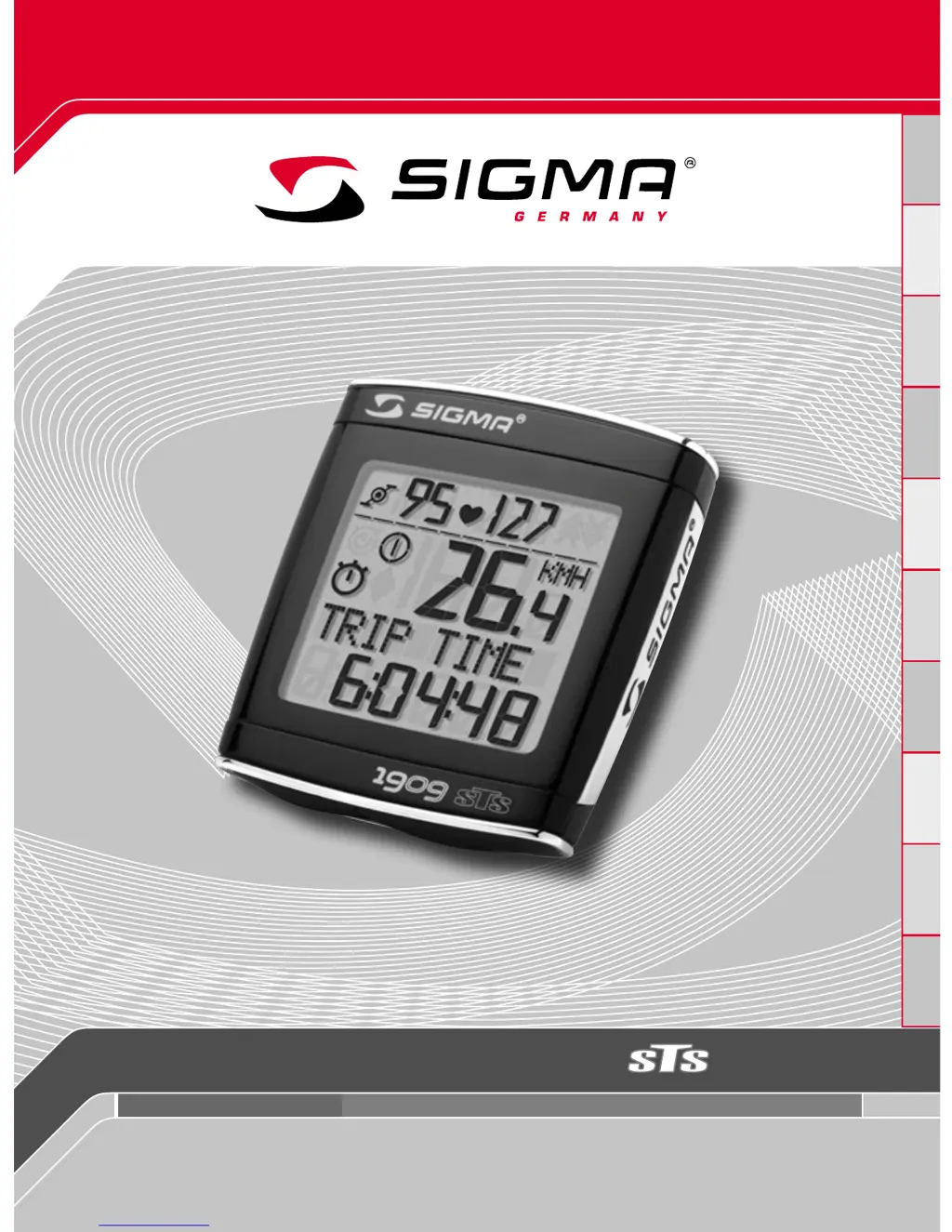
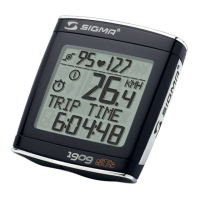
Sigma BC 1909 HR - User Manual

Sigma BC 1909 HR
30 pages
Print Icon
To Next Page IconTo Next Page
Loading...
BC 1909 HR
www.sigmasport.com
BIKE COMPUTER TOPLINE
DGB/USAFIENLPPLHCZ

Other manuals for Sigma BC 1909 HR

Questions and Answers

Summary

Introduction to Sigma BC 1909 HR Bike Computer

BC 1909 HR Packaging Contents

Lists all items included in the BC 1909 HR bike computer package.

Installing the Sigma BC 1909 HR Bike Computer

Mounting the Bike Computer Bracket

Instructions for attaching the bike computer bracket to the handlebar.

Mounting Speed, Cadence, and Chest Transmitters

Steps for installing speed, cadence transmitters and chest belt.

Configuring for a Second Bicycle

Guidance on setting up the computer for a second bike.

Initial Setup and Powering On

Display Modes and Key Functions Overview

Synchronizing Bike Computer with Transmitters

Configuring Basic Settings on BC 1909 HR

Language Selection for the Bike Computer

How to change the display language on the BC 1909 HR.

Unit Configuration (KMH;MPH)

Steps to select between kilometers per hour and miles per hour.

Determining Correct Wheel Size for Accuracy

Methodologies for calculating and selecting the correct wheel size.

Entering Wheel Size for Bike 1 and Bike 2

Procedure to input specific wheel sizes for two different bikes.

Setting the Current Time on the Bike Computer

Instructions for setting the clock on the BC 1909 HR.

Inputting Users Age for Calculations

Guide to entering the user's age for heart rate zone calculations.

Entering Users Weight for Calculations

Steps to input the user's body weight for accurate data.

Selecting Users Gender

How to set the user's gender for personalized settings.

Configuring Heart Rate Zone Limits

Setting the upper and lower limits for heart rate zones.

Inputting Total Odometer Readings

Procedure to set initial odometer values for bike 1 and bike 2.

Inputting Total Trip Time Readings

Setting the initial total trip time for bike 1 and bike 2.

Adjusting Screen Contrast

How to adjust the display contrast for better readability.

Completing Basic Settings Configuration

Steps to exit the basic settings menu and save changes.

Operating General Functions of the BC 1909 HR

Controlling Screen Backlight

How to turn the display illumination on and off.

Speed Comparison Feature

Using the compare speed function to show speed differences.

Showing or Hiding HR;Cadence Data

Managing the display of heart rate and cadence data.

Using the Stopwatch Function

Instructions on starting, stopping, and resetting the stopwatch.

Operating the Countdown Timer

Setting and using the countdown timer feature.

Managing Trip Distance Totals

How to set or reset trip distance totals (up/down).

Resetting Specific Data Fields

Procedures for resetting trip distance, time, speed, and other data.

Viewing Total Distance and Time

Displaying accumulated totals for bike 1, bike 2, and combined.

Understanding the Service Interval Indicator

Information about the service interval reminder and its setting.

Activating and Exiting Transport Mode

How the bike computer enters and exits transport mode.

Connecting to a PC for Data Transfer

Using the PC interface for data download and settings.

Optional Cable-Connected Bracket

Information about the optional cable-connected universal bracket.

Technical Specifications and Values

Default, Minimum, and Maximum Values

Table of default, minimum, and maximum operating parameters.

Replacing Batteries in Computer and Transmitters

Step-by-step guide for changing batteries in the device and sensors.

Troubleshooting Common Issues

Solutions for common problems encountered with the bike computer.

Warranty Coverage and Details

Information regarding the product warranty and exclusions.

Sigma BC 1909 HR Specifications

General IconGeneral
BrandSigma
ModelBC 1909 HR
CategoryBicycle Accessories
LanguageEnglish

Related product manuals