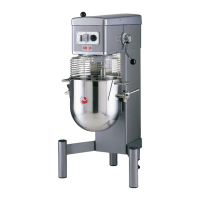
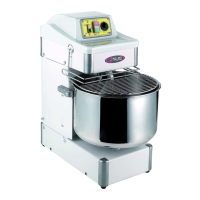
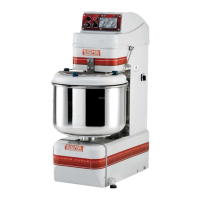
Best Mix control Panel
Figure 1
First of all be sure the Emergency stop button is released . The mixer can properly work
as Manual or under the Digital timer. If grid and bowl are in the correct position, you will
see 4 blue lines in the center of the lcd display. (figure 2a).
Figure 2a figure 2b
In event of blue light blinking, double check the grid allignement or final bowl position. If
the light are fixed and you would like to operate manually, just press “START”. The Mixer
will work till you do not press “STOP” or turn the grid from its position.
While the mixer is running as manual , you will see on the digital display, blue lights
moving towards right as you can see (figure 2b). Just pressing “Stop” the mixer will
immediately stopped it-self and the blue light will come back fixed as “figure 2a”.


 To Next Page