37
US /GB
2.5 MEASURING THE HEARTBEAT
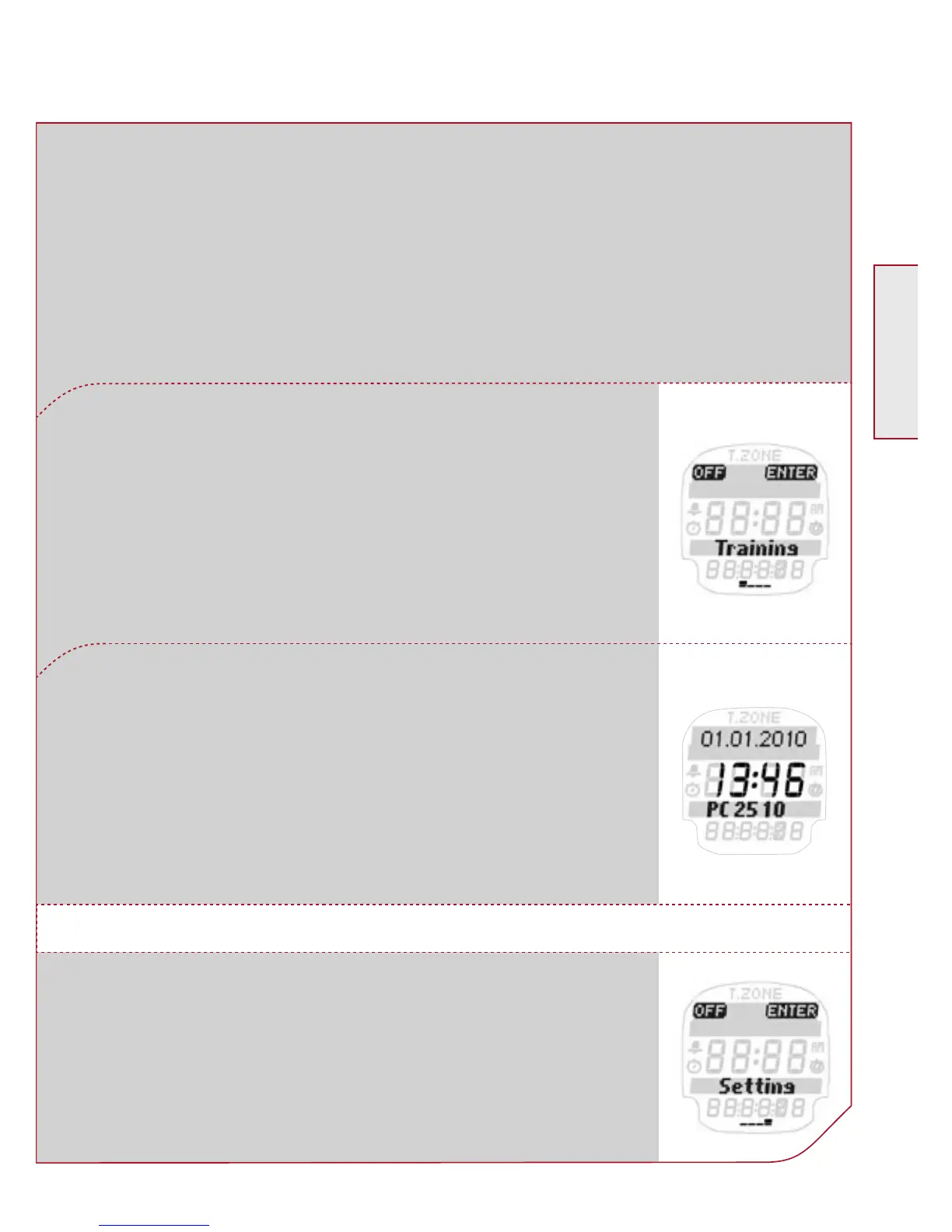
To switch off your PC 25.10 you have to be in
the Main Menu.
Press the Navigation button k OFF to activate
sleep mode.
Your PC 25.10 is again in sleep mode and
can be worn as an everyday watch.
Switch off PC 25.10
The PC 25.10 switches itself off automatically after 5 minutes if
no training is undertaken. You can also turn your watch to sleep
mode manually at any time.
Before the first training session enter your
personal settings.
3. SETTINGS BEFORE THE FIRST TRAINING



 To Next Page