48
www.sigmasport.com
3 EVERYTHING ABOUT THE SIGMA ROX 9.0
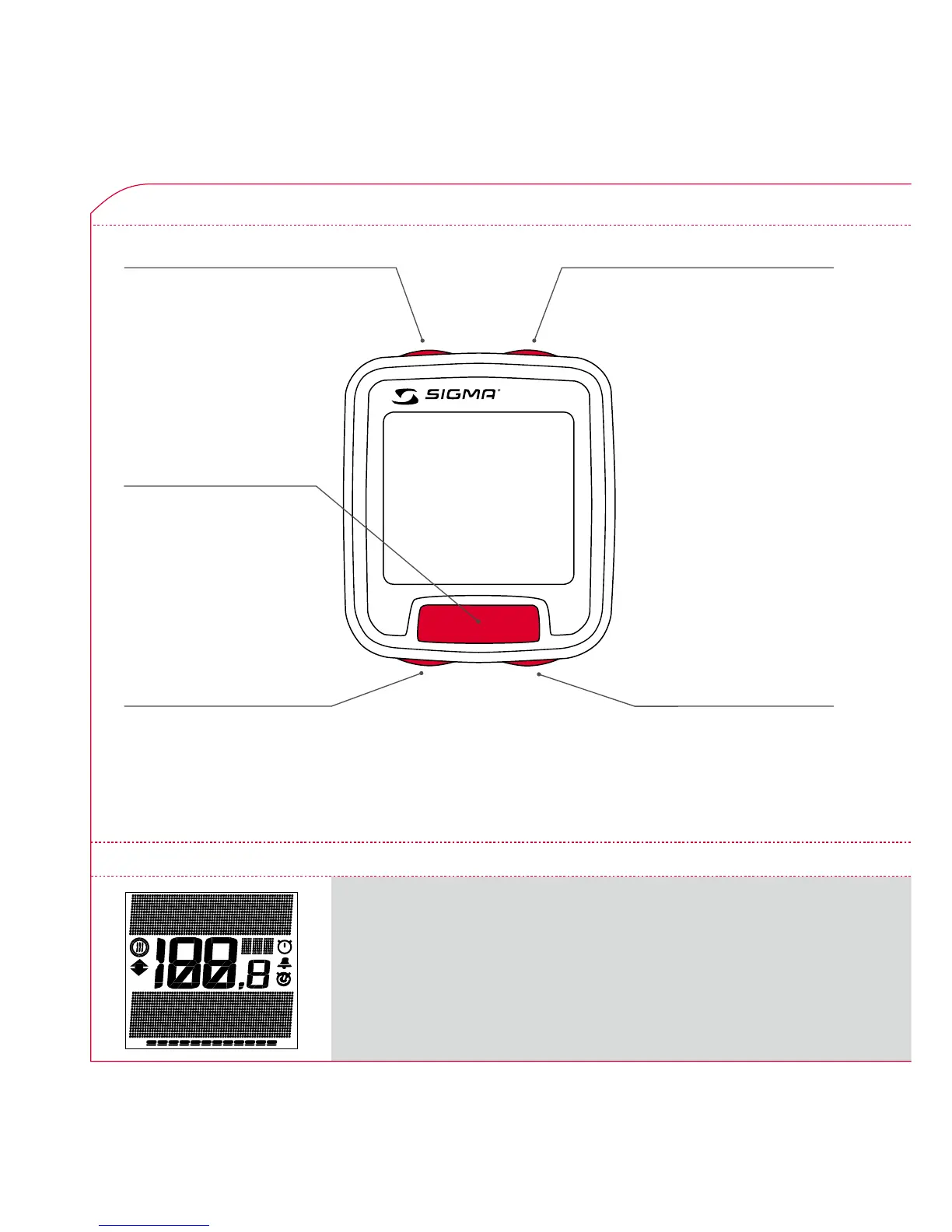
3.3 LAYOUT OF BUTTONS
Function button 1
Use this button to exit the submenus
or to save the set values.
Function button 2
Use this button to enter a submenu
or change the top section
of the display – ZOOM
Minus function button
Scroll backwards in
a menu level…
…or decrease/change
the value displayed
Plus function button
Scroll forwards in
a menu level…
…or increase/change
the value displayed.
Logbook function button
Enter logbook.
Use this button to open the
logbook menu and to set
the route points.
REC
The display on the SIGMA ROX 9.0 is divided into 3 main areas:
3.4 DISPLAY LAYOUT – FUNCTIONALITY



 To Next Page