
 Need help?
Do you have a question about the signia Cellion primax and is the answer not in the manual?
Instructions on how to place hearing instruments in the charger and low power indication.
Explains methods for turning the hearing instruments on and off via charger or push button.
Details how to put hearing instruments into standby mode using remote control or app.
Provides step-by-step guides for inserting and removing the hearing instruments correctly.
Explains automatic and manual volume adjustment using push button or remote control.
Describes how to change hearing programs using the push button and automatic features.
Instructions for daily cleaning of hearing instruments using a soft, dry tissue.
Offers solutions for common problems encountered with the hearing instruments.
 General
| Technology Level | Premium |
|---|---|
| Technology | primax |
| Water and Dust Resistance | IP68 |
| Connectivity | Wireless |
| Bluetooth | Yes |
| Direct Audio Streaming | Yes |
| Directional Microphones | Yes |
| Feedback Cancellation | Yes |
| Channels | 48 |
| Product Line | Cellion |
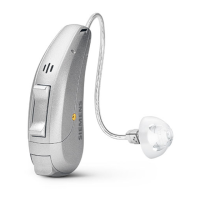
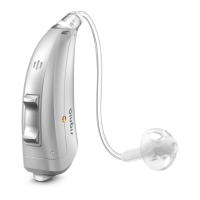
| Type | Receiver-in-Canal (RIC) |
| Style | Behind-the-ear (BTE) |
| Battery Type | Rechargeable lithium-ion battery |
| Battery Life | Up to 24 hours |
| Charging Time | 3 hours |
| Remote Control | Yes |
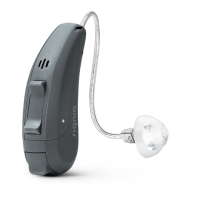
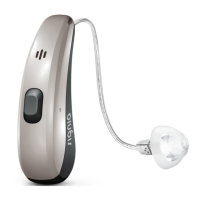
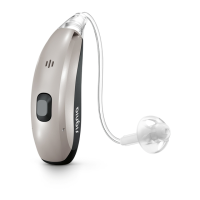
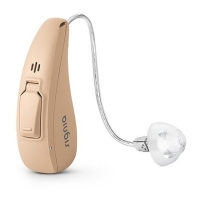
| Available Colors | Black, Silver, Brown |




 To Next Page