
 Need help?
Do you have a question about the signia Pure 312 AX and is the answer not in the manual?
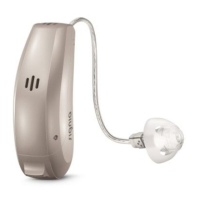
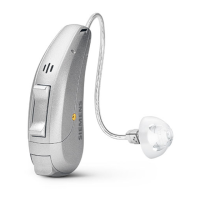
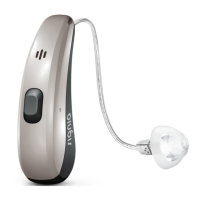
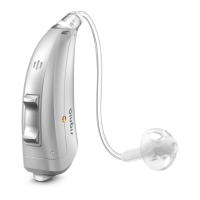
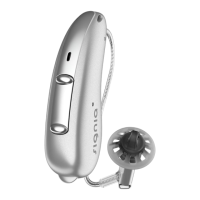
Describes the RIC (Receiver-in-Canal) model and its wireless capabilities.
Instructions on how to power the hearing instruments on and off using the battery compartment.
Guidance on using hearing instruments while on a phone call, including optimal receiver positioning.
Details on direct audio streaming from iPhone devices to the hearing instruments.
References safety guidelines and warnings for proper and safe use of the hearing instruments.
Information on available accessories like smartphone apps and remote controls for enhanced functionality.
 General
| Type | Receiver-in-canal (RIC) |
|---|---|
| Technology Level | Premium |
| Battery Type | 312 |
| Wireless Connectivity | Bluetooth |
| Noise Reduction | Yes |
| Directional Microphones | Yes |
| Feedback Cancellation | Yes |
| Rechargeable Option | No |
| Water Resistance | IP68 |
| Channels | 16 |
| Tinnitus Masking | Yes |
| Wind Noise Reduction | Yes |
| Telecoil | Yes |
| Made for iPhone | Yes |
| Android Compatibility | Yes |
| App Control | Yes |
| Frequency Range | 100 Hz - 10, 000 Hz |






 To Next Page