Copyright© SILENCE Urban Ecomobility 22
b) Buttons
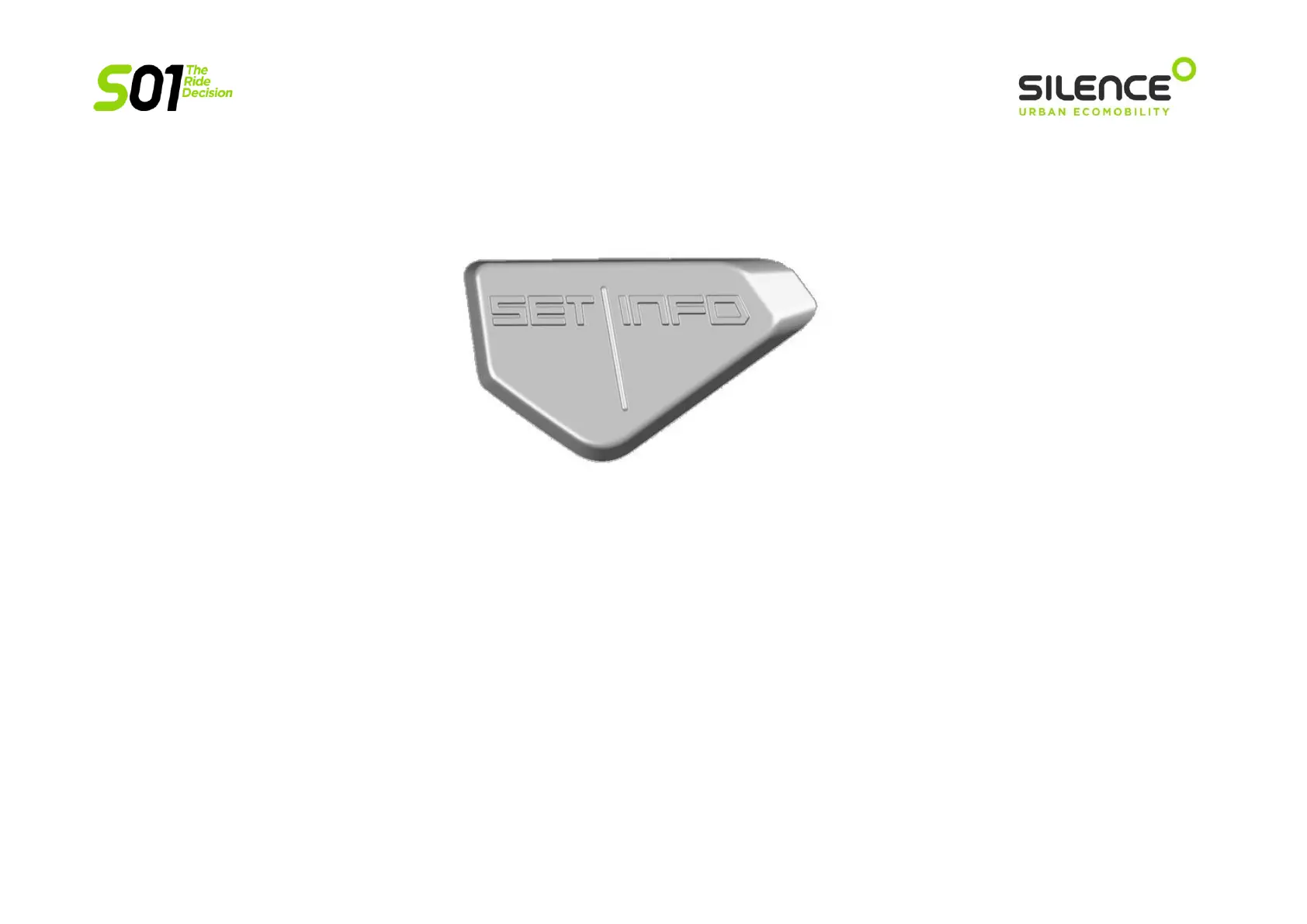
The buttons on the instrument panel are INFO (right, and the same on the controls on the right side of the handlebar) and SET (left):
They are used for:
SWITCHING BETWEEN SCREENS
Single click on INFO: takes you through the following screens with each click, in this order: ODO, TEMP, TRIP1, TRIP2.
CHANGE VIEW KMS PARTIAL - AVERAGE SPEED (AVG)
In TRIP1 or TRIP2, hold down INFO.
RESET PARTIAL KMS
In TRIP1 or TRIP2, single click on INFO. The kilometre count will be reset.
CHANGE TEMPERATURE VIEW
In TEMP, hold down INFO: go through screens TEMP BAT, TEMP ENG and TEMP INV.


 To Next Page