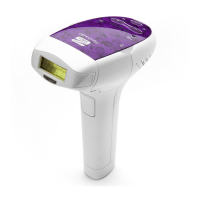
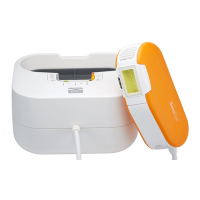
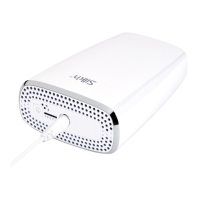
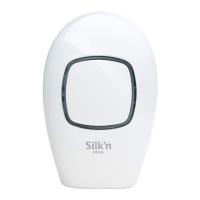
Silk’n Innity is a skin-toning device, intended for skin stimulation and
indicated for over the counter cosmetic use.
4. Device controls and settings
4.1 Device controls
Refer to the diagram at the front of the manual to see the location of
each control.
Control Action Function / Mode
Control button (#5) Short press
Each press increases the energy
level. The default at start up is
level 1. Cycle through the levels
to get back to 1.
Pulse button (#1) Short press Triggers a light pulse.
Touch electrode (#8) Short press
Triggers a light pulse when
pressed together with the pulse
button.
Energy level indicator
lights (green) (#4)
Constant
The number of lights indicates
the energy level.
Ready/skin tone
warning indicator light
(green) (#6)
Constant Device is ready for use.
Blinks rapidly
Skin tone is too dark for safe use.
No light pulses are emitted.
4.2 Skin color sensor
Light-based hair removal on darker skin tones may result in adverse
eects such as burns, blisters, and skin color changes (hyper- or
hypo-pigmentation). Silk'n Innity has a skin color sensor that
detects the color of your skin automatically. The skin color sensor
checks your skin color at the start of, and occasionally during, each
treatment.
EN
14
Infinity NA 1704A inside ED278-07.indd 14 25/02/2018 08:30:06


 To Next Page