14
Energy Level
Energy level determines the intensity of the Silk’n™ light pulse delivered to your skin, from the lowest level (-) to the highest level (+).
Corresponding indic Ator lights on the control pAnel represent the increases in energy. As energy level increases, so does hair removal results as
well as the risk of possible side effects and complications.
Always start your first Silk’n™ hair removal session at the lowest energy setting.
If you experience little or no discomfort during and after the hair removal session using the lowest energy level, raise the energy level by one
indicAtor light at the next session, and so on for each subsequent session.
Do not raise the energy level if you experience abnormal discomfort during or after treating with Silk'n™! (See section
2.6 - “Possible Side Effects”)
Do not raise the energy level during hair removal session even if you experience no discomfort. Discomfort may also appear
some time after the session.
Whenever Silk’n™ is turned on its energy level will automatically be reset to the lowest energy level. Only one energy level indicAtor light will be on.
To set the energy level, press the energy level setting bUttons using “-“ or “+” to respectively decrease or increase the energy level. The number of
energy level indicAtor lights will coincide with the change in energy level.
For your safety, when using Silk’n™ for the very first time, the system is automatically set to deliver the first 50 pulses at the lowest energy level, and
the next 200 pulses at up to level 3.
To cancel these safety settings press and hold the “+” and ”-“ energy level setting bUttons simultaneously until you hear 2 consecutive “beep” sounds.
To restore these safety settings press and hold the “+” and ”-“ energy level setting bUttons simultaneously until you hear 3 consecutive “beep” sounds.
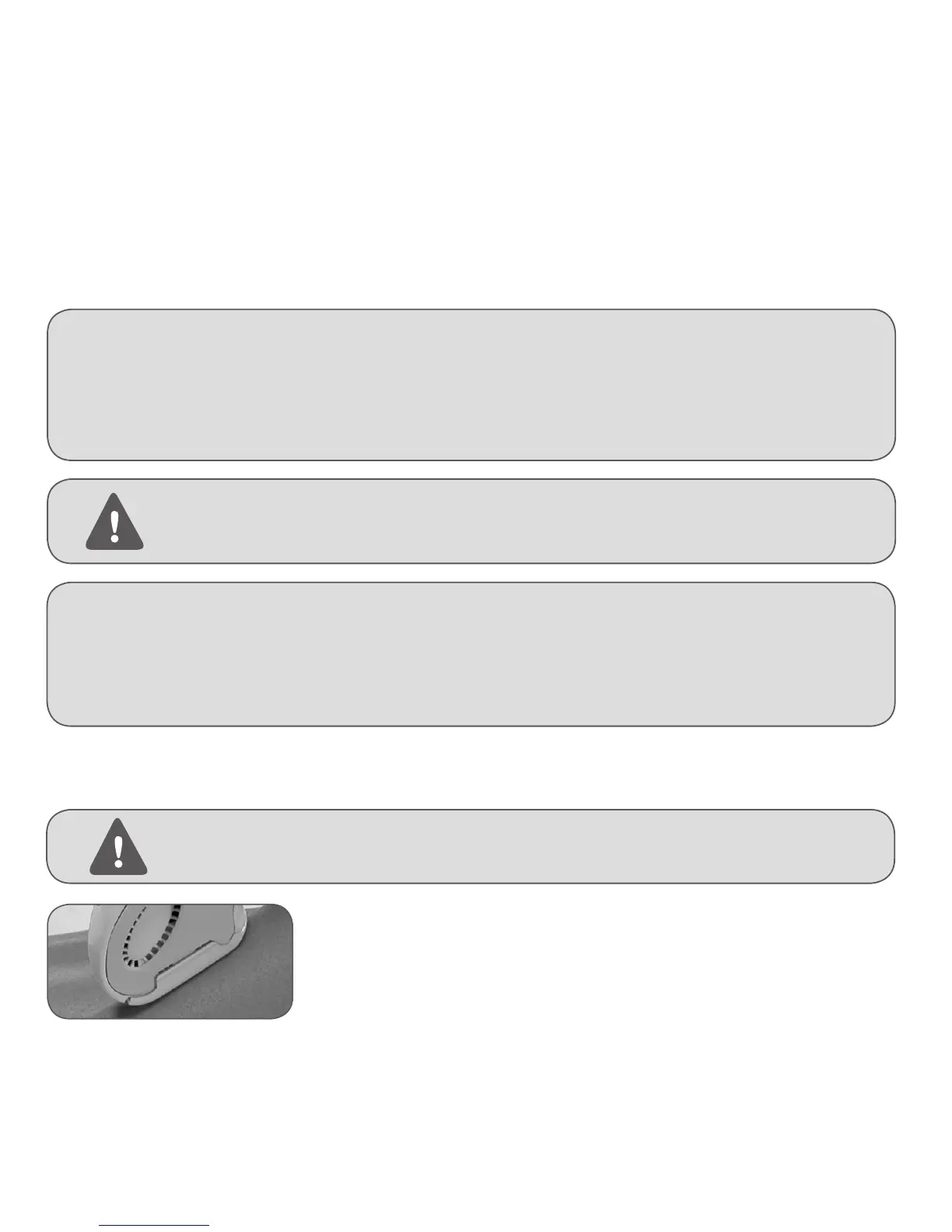
4. Using firm pressure, apply the Applic Ator tip to the skin. Be sure that the skin area you are about to treat is spread evenly and smoothly, and that the
ApplicAtor tip is in full contact with the skin.
5. Press the pUlse bUtton to emit a pulse. You will then see a flash of light and hear a subtle pop-like sound. This is a normal light pulse of Silk’n™.
Note: As this intense pulse may be disturbing to your eyes, it is recommended to close them shortly before
pressing the pUlse bUtton.
Firmly press the ApplicAtor tip against the skin
6. After emitting a pulse, remove the ApplicAtor tip from the skin. Silk’n™ will recharge for the
next pulse.
7. After approx. 3.5 seconds the reAdy indic Ator light will turn on again, accompanied by a beep, to
indicate that your Silk’n™ is ready for another pulse.
8. Continue to administer pulses until the desired skin area is fully treated.
4.4. Treating with Silk’n™ for the first time
The skin should be shaved, clean, dry and free of any powders, antiperspirants or deodorants.
1. Press the power on/off switch to turn Silk’n™ on.
2. Shortly after pressing the power on/off switch, the reAdy indicAtor light will turn on, accompanied by a beep, to indicate that your Silk’n™ is ready
for its first pulse.
3. Your Silk’n™ is automatically set to the lowest energy level.


 To Next Page