EasyManua.ls Logo

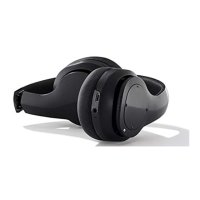
Silvercrest 315021 - User Manual

Silvercrest 315021
66 pages
Print Icon
To Next Page IconTo Next Page
Loading...
IAN 315021
BLUETOOTH
®
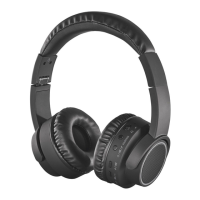
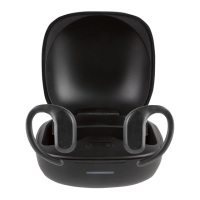
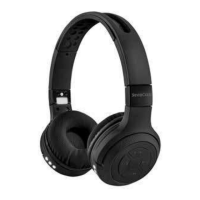
SPORTS HEADPHONES SKHK 40 A1
BLUETOOTH
®
-SPORTKOPFHÖRER
Bedienungsanleitung
BLUETOOTH
®
SPORTS HEADPHONES
Operating instructions
BLUETOOTH
®
-SPORTSHOVEDTELEFONER
Betjeningsvejledning

Table of Contents

Other manuals for Silvercrest 315021

Questions and Answers

  • D
    Dillon JohnstonAug 6, 2025
    What to do if my Silvercrest Headphone has no sound?
    • D
      Dan AcostaAug 7, 2025
      There are several reasons why your Silvercrest Headphones might not be producing sound. First, ensure that the headphones are switched on by pressing the power button for about 2 seconds. Check that the volume isn't set to minimum, and increase it using the volume button. Also, verify that the playback device is switched on and not muted. If you are using AUX-IN mode, ensure the audio cable is correctly connected to both the headphones and the playback device.

Silvercrest 315021 Specifications

General IconGeneral
TypeOver-ear
ConnectionWired
Driver Size40 mm
Frequency Response20 Hz - 20 kHz
Impedance32 Ohm
Cable Length1.2 m
Plug3.5 mm

Related product manuals