12
GB
Earphones
NOTE: in order for the earphones1/6 to be charged, the
charging box12 must be connected to a USB power unit or PC
or the battery of the charging box must be charged.
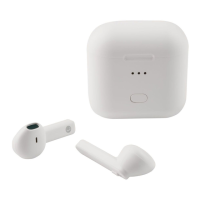
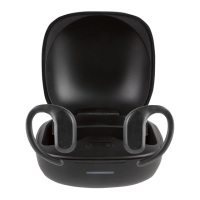
1. Place the earphones
1
/
6
in the charging box
12
. The right
earphone
6
must be placed in the right-hand charging
tray
10
, the left earphone
1
in the left-hand charging
tray
14
. The charging contacts of the earphones
8
are now
positioned on the charging contacts
13
of the charging box.
The LED
3
/
4
is lit continuously during the charging process.
2. When the LED3/4 has gone off, the battery of the ear-
phone1/6 is fully charged.
7. Operation
7.1 Switching the earphones on and off
Switching on
• Remove both earphones1/6 from the charging box12.
These are switched on automatically.
• In order to switch the earphones1/6 back on after they
have been switched off outside the charging box12, press
and hold the multifunction buttons2/5 for approx.
5 seconds in each case until an acoustic signal is heard.
Switching off
NOTE: the earphones1/6 switch off automatically ...
… after 5 minutes without any connection to an audio device.
… if the battery is too weak.
• In order to switch off the earphones1/6, remove them
from your ears and place them in the charging box12.
This automatically switches the earphones off and charges
them up.
__354190_2010_B6.book Seite 12 Montag, 17. Mai 2021 12:53 12


 To Next Page
 Loading...