EasyManua.ls Logo

Silverline DIY 180W - User Manual

Silverline DIY 180W
40 pages
Print Icon
To Next Page IconTo Next Page
Loading...
www.silverlinetools.com
®
261345
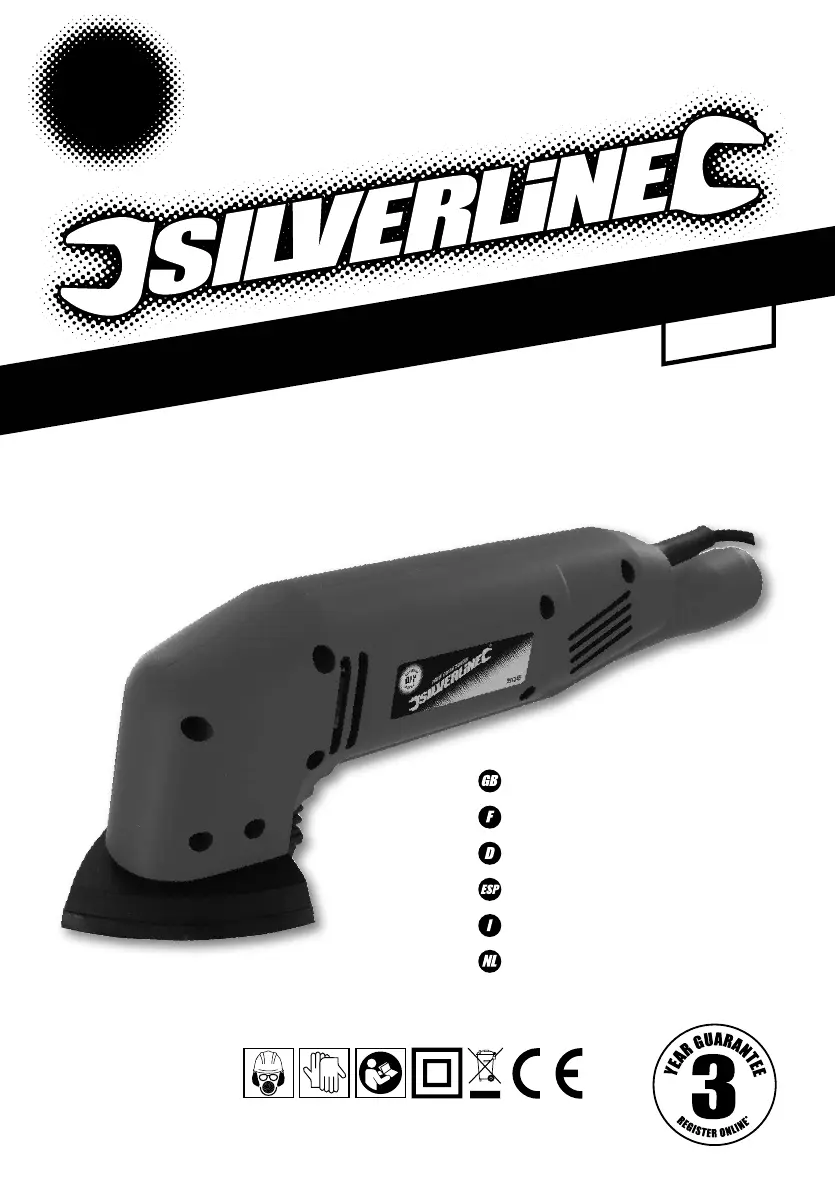
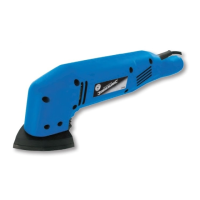
180W Detail Sander
180W Detail Sander
Ponceuse delta 180 W
Deltaschleifer, 180 W
Lijadora delta 180 W
180 W Levigatrice a delta
180 W delta schuurmachine
S
I
L
V
E
R
L
I
N
E
R
A
N
G
E
DIY
90mm
261345_Z1MANPRO1.indd 3 29/10/2014 14:13

Questions and Answers

  • D
    Debra McphersonJul 27, 2025
    What to do if my Silverline DIY 180W does not turn on?
    • A
      Allison BridgesJul 27, 2025
      If your Silverline Sander isn't working when you turn it on, there could be a couple of reasons. First, check that the power supply is working. If the power is fine, the On/Off switch might be defective. In this case, you should have the switch replaced by an authorised Silverline service centre.
  • J
    Joseph ScottAug 2, 2025
    Why is my Silverline DIY 180W Sander emitting so much dust?
    • T
      Theresa JohnsonAug 2, 2025
      If your Silverline Sander is emitting too much dust, it could be due to a few reasons. First, make sure that the vacuum dust extraction system is properly connected and switched on. Also, ensure that the sanding sheet is aligned with the dust extraction holes in the Sanding Base, and that these holes aren't blocked. If they are, realign the sanding sheet and unblock the dust extraction holes.
  • S
    Suzanne McgrathAug 8, 2025
    How to prevent burn marks when sanding with my Silverline DIY 180W Sander?
    • M
      Michael TaylorAug 8, 2025
      If you notice burn marks on your workpiece after sanding with the Silverline Sander, it might be because the sanding sheet isn't right for the material you're working with. Try fitting the correct sanding sheet. Also, check if you're applying too much pressure. Use less pressure while moving the machine.
  • B
    Bryan MartinezAug 14, 2025
    What to do if my Silverline Sander leaves scratches?
    • D
      Daniel WalterAug 14, 2025
      If your Silverline Sander leaves scratches on the workpiece after sanding, it could be that the sanding sheet is too coarse. Try fitting a new sanding sheet with a finer grit. Another reason may be that not enough material has been removed yet, so continue sanding.
  • S
    Sandra BryantAug 20, 2025
    Why is my Silverline Sander removing material so slowly?
    • F
      fordharryAug 21, 2025
      If your Silverline Sander is removing material slowly, it could be because the sanding sheet is too fine or worn. Try fitting a new sanding sheet with a coarser grit.

Summary

General Safety

Work Area Safety

Safety precautions for the work environment, including keeping it clean and well lit.

Electrical Safety

Precautions to prevent electric shock, including proper plug use and avoiding wet conditions.

Personal Safety

Power Tool Use & Care

Sanding Tool Safety

Product Familiarisation

Fitting a Sanding Sheet

Procedure for attaching and removing sanding sheets, ensuring safety and proper alignment.

Dust Extraction

Instructions for connecting dust extraction systems and warnings about dust hazards.

Operation

Steps for switching the tool on and off, and general operating tips like using clamps.

Maintenance

Troubleshooting

Silverline Tools Guarantee

Silverline DIY 180W Specifications

General IconGeneral
BrandSilverline
ModelDIY 180W
CategorySander
LanguageEnglish

Related product manuals