EasyManua.ls Logo

Silverline 247820 - User Manual

Silverline 247820
40 pages
Print Icon
To Next Page IconTo Next Page
Loading...
www.silverlinetools.com
®
247820
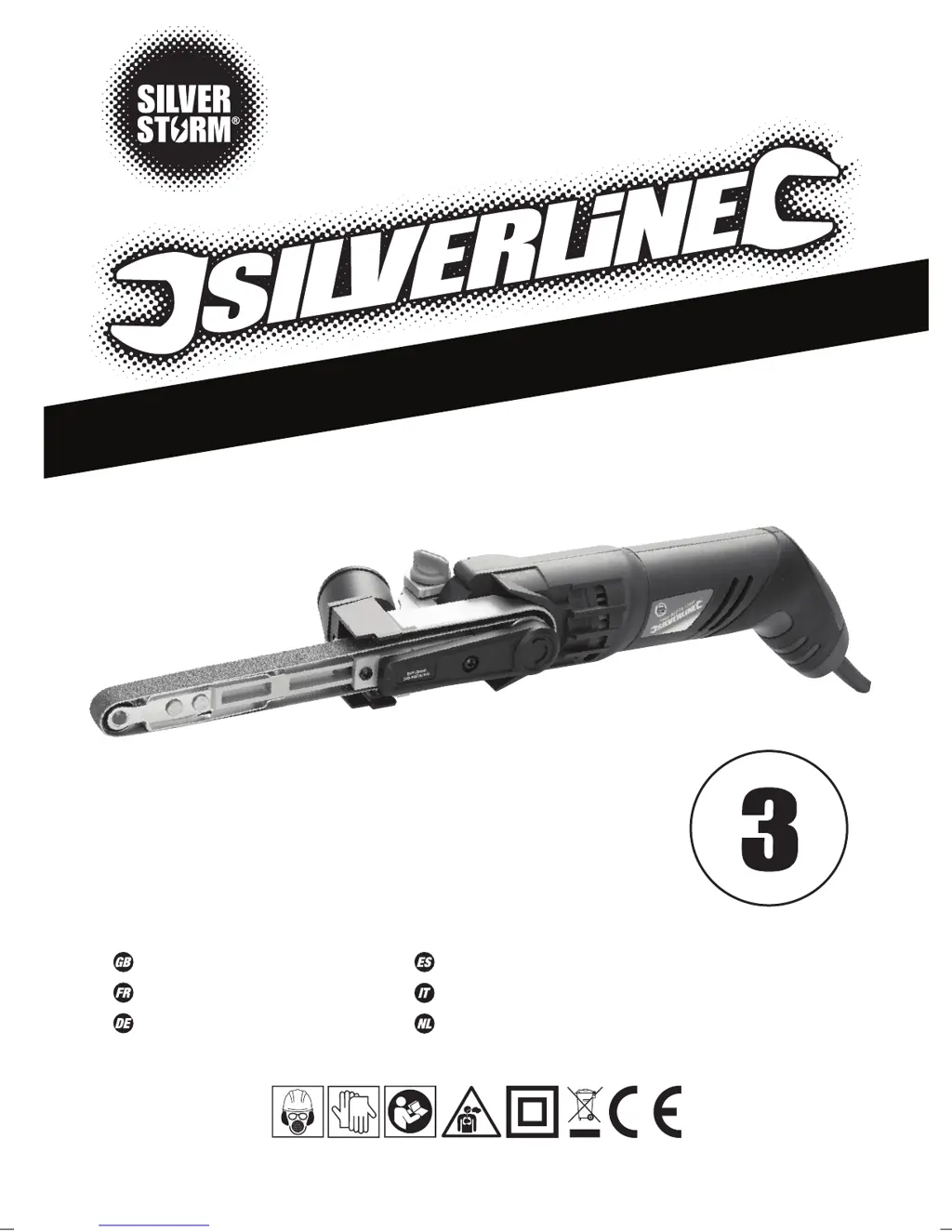
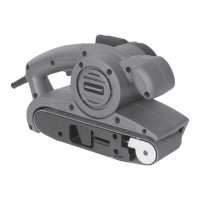
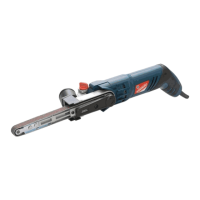
260W Power Belt File 13mm
Lime électrique 13 mm 260 W
Elektrobandfeile, 260 W, 13 mm
Lijadora de banda 13 mm, 260 W
260W cinghia di levigatura a potenza 13 mm
260 W elektrische bandschuurmachine, 13 mm
Y
E
A
R
G
U
A
R
A
N
T
E
E
R
E
G
I
S
T
E
R
O
N
L
I
N
E
*
S
I
L
V
E
R
L
I
N
E
R
A
N
G
E
247820_Z1MANPRO1.indd 3 22/07/2015 11:12

Table of Contents

Other manuals for Silverline 247820

Questions and Answers

  • B
    bernardhortonAug 19, 2025
    What to do if my Silverline Sander has no function when the ON/OFF Trigger Switch is operated?
    • J
      Jimmy GriffithAug 19, 2025
      If your Silverline Sander isn't working when you use the ON/OFF Trigger Switch, the possible causes are: no power or a defective switch. First, check the power supply. If the power supply is OK, the ON/OFF Trigger Switch may be defective and should be replaced by an authorised Silverline service centre.
  • A
    Anthony WoodsAug 21, 2025
    Why does my Silverline Sander leave burn marks on the workpiece?
    • K
      Kathy McknightAug 21, 2025
      Burn marks may appear on the workpiece when using the Silverline Sander if the Sanding Belt is incompatible with the material, so you should fit the correct Sanding Belt. Also, applying too much pressure to the File Arm can cause this issue, so use less pressure while moving the tool.
  • P
    Patricia LoganAug 23, 2025
    Why does the belt slide off the File Arm (8) of my Silverline 247820 when turning?
    • M
      Michael FloresAug 23, 2025
      If the belt slides off the File Arm when turning your Silverline Sander, it may be due to incorrect installation or a worn/defective Sanding Belt with wrong dimensions. Ensure the belt is installed correctly, or fit a new Sanding Belt.
  • T
    Theresa ChanAug 26, 2025
    What to do if my Silverline Sander is causing scratches on the workpiece after sanding?
    • B
      bradshawanthonyAug 26, 2025
      If your Silverline Sander is leaving scratches on the workpiece, it could be due to a Sanding Belt that is too coarse. Try fitting a new Sanding Belt with finer grit. It may also happen because not enough material has been removed, in which case you should continue sanding.
  • D
    davidwebbAug 28, 2025
    How to fix slow material removal with my Silverline 247820?
    • J
      joshua86Aug 28, 2025
      Slow material removal with your Silverline Sander may occur if the Sanding Belt is too fine or worn. To resolve this, fit a new Sanding Belt with a coarser grit.
  • K
    khanvictoriaAug 29, 2025
    Why is the Silverline 247820 so slow at removing material?
    • S
      sean75Aug 30, 2025
      If your Silverline Sander isn't removing material quickly enough, the sanding belt might be too fine or worn out. Try replacing it with a new sanding belt that has a coarser grit.
  • M
    Michael CarterSep 1, 2025
    What to do if my Silverline Sander doesn't turn on?
    • E
      Elizabeth JacksonSep 1, 2025
      If your Silverline Sander isn't turning on, the issue could be a lack of power. Ensure the power supply is properly connected and functioning. If the power supply is fine, the ON/OFF Rocker Switch may be defective. In this case, have the switch replaced by an authorized Silverline service center.
  • J
    Jasmine MasonSep 3, 2025
    How to prevent scratches when sanding with my Silverline 247820 Sander?
    • J
      Jeffrey HenrySep 3, 2025
      If your Silverline Sander is leaving scratches on the workpiece after sanding, it could be because the sanding belt is too coarse. Try fitting a new sanding belt with a finer grit. Another reason might be that not enough material has been removed yet, so continue sanding.
  • R
    Richard AbbottSep 5, 2025
    What to do if the belt keeps sliding off my Silverline Sander?
    • K
      Kelly LaraSep 5, 2025
      If the belt slides off the File Arm of your Silverline Sander when turning, it might not be installed correctly. Ensure you follow the instructions in ‘Fitting a sanding belt’. Another possible cause is a worn or defective sanding belt, or using a belt with the wrong dimensions. Try fitting a new Sanding Belt.
  • C
    Cindy FloresSep 7, 2025
    Why does my Silverline Power Tool leave burn marks on the workpiece?
    • P
      Paula FernandezSep 7, 2025
      If your Silverline Power Tool produces burn marks on the workpiece, this could be due to a sanding belt that is incompatible with the material you're working with. Try fitting the correct sanding belt. Alternatively, you might be exerting too much pressure on the File Arm. Reduce the pressure while moving the machine.

Summary

General Power Tool Safety Warnings

Hearing and Vibration Exposure

Advises wearing ear protection and limiting exposure to noise and vibration.

Operator Capability

States the appliance is not for reduced capability persons unless supervised.

Work Area, Electrical, and Personal Safety

Work Area Safety

Guidelines for maintaining a safe and clean work environment.

Troubleshooting and Guarantee

Troubleshooting Common Issues

Identifies common problems, causes, and solutions for the tool.

Silverline Tools Guarantee

Information on product registration, terms, conditions, and coverage.

Silverline 247820 Specifications

Weight and Dimensions IconWeight and Dimensions
Weight1150 g

Related product manuals