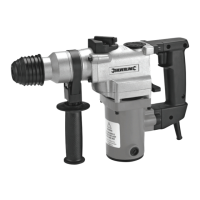
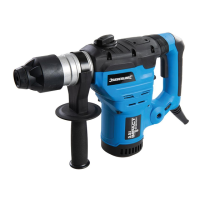
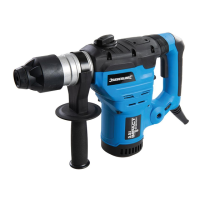
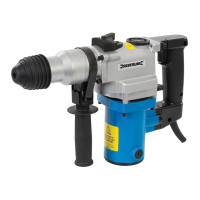
1500W SDS Plus Drill
11
silverlinetools.com
Problem Cause Solution
Drill is uncomfortable to use due to vibration Tool is being used for too long at one time
Take frequent breaks and read the sections in this manual
regarding vibration
Tool will not start
No power, fuse blown or circuit breaker tripped
Check and replace fuse if necessary or reset circuit breaker. In
the event the fuse blows after replacing or the circuit breaker
trips again, immediately contact an authorised service centre
Power cable damaged Contact an authorised service centre
ON/OFF Trigger switch faulty Contact an authorised service centre
Faulty motor Contact an authorised service centre
Slow rotation speed Tool is overheating
Switch off the tool and let it cool down to room temperature.
Inspect and clean the ventilation slots.
Slow rotation speed or no rotation plus possible visible sparking
from Motor Vents (12)
Carbon brushes worn
Contact an authorised service centre to have the carbon
brushes replaced
Vibration or abnormal noise
Gearbox low on grease Add or replace grease
Internal moving parts excessively worn Contact an authorised service centre
Chisel mode not breaking material
Material too dense or thick Drill not suitable for material or thickness
Chisel tip worn Replace chisel
Chisel tip is rotating Tool incorrectly set Select roto-stop mode
Drilling performance poor with masonry
Hammer mode not selected Enable hammer mode
Drill bit tip worn or damaged Replace SDS Plus drill bit
Very dense material
Drilling speed will be slow in such material. A smaller pilot drill
can be drilled rst to speed up the drilling process.
Bits do not t easily into SDS Plus Chuck (1) Debris and dirt in chuck
Clean out by positioning chuck downwards and vacuuming
while operating the chuck as if to insert bits. Ensure dust guard
is used to prevent debris entering chuck.
Troubleshooting
268819_OwnerManual.indd 11268819_OwnerManual.indd 11 24/10/2023 15:2824/10/2023 15:28


 To Next Page