EasyManua.ls Logo

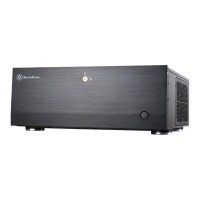
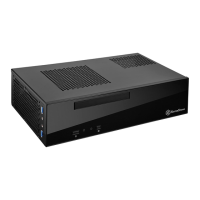
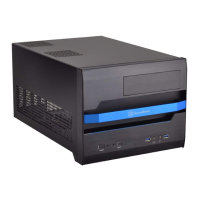
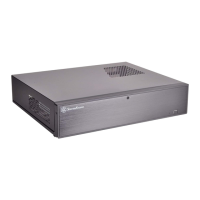
SilverStone Lucid Series - User Manual

SilverStone Lucid Series
13 pages
Print Icon
To Next Page IconTo Next Page
Loading...
Small form factor case with artful blend of
engineering and aesthetics
Lucid Series
LD03
LD03
www.silverstonetek.com
Question and Answer IconNeed help?

Do you have a question about the SilverStone Lucid Series and is the answer not in the manual?

Summary

Accessory Content

Secure Motherboard and Storage

Secure motherboard, 3.5" HDD/PSU, and 2.5" HDD with provided screws.

PWM Fan Cable

Connect fans using the PWM fan splitter cable for speed control.

Installation Guide

Motherboard and Cooler Installation

Install motherboard, ensuring proper clearance for the CPU cooler.

Storage Device Installation

Install 3.5" and 2.5" storage devices, adhering to specific limitations.

Power Supply Installation

Install the power supply, respecting SFX-L length compatibility.

Graphics Card Installation

Install graphics card, considering length, width, and thickness limits.

Final Installation Steps

Complete the build by reattaching panels and fans for final assembly.

Components Limitation

Radiator Support

Details radiator compatibility for top and bottom mounting locations.

Removal of Filters and Fans

Filter Removal

Instructions for removing the PSU and bottom filters.

Fan Removal

Procedure for removing the top and bottom case fans.

Summary

Accessory Content

Secure Motherboard and Storage

Secure motherboard, 3.5" HDD/PSU, and 2.5" HDD with provided screws.

PWM Fan Cable

Connect fans using the PWM fan splitter cable for speed control.

Installation Guide

Motherboard and Cooler Installation

Install motherboard, ensuring proper clearance for the CPU cooler.

Storage Device Installation

Install 3.5" and 2.5" storage devices, adhering to specific limitations.

Power Supply Installation

Install the power supply, respecting SFX-L length compatibility.

Graphics Card Installation

Install graphics card, considering length, width, and thickness limits.

Final Installation Steps

Complete the build by reattaching panels and fans for final assembly.

Components Limitation

Radiator Support

Details radiator compatibility for top and bottom mounting locations.

Removal of Filters and Fans

Filter Removal

Instructions for removing the PSU and bottom filters.

Fan Removal

Procedure for removing the top and bottom case fans.

SilverStone Lucid Series Specifications

General IconGeneral
ColorBlack
Motherboard SupportMini-ITX
Front I/O Port2 x USB 3.0, Audio In/Out
Radiator Support120mm rear
MaterialSteel, Plastic
Drive Bays2 x 2.5", 2 x 3.5"

Related product manuals