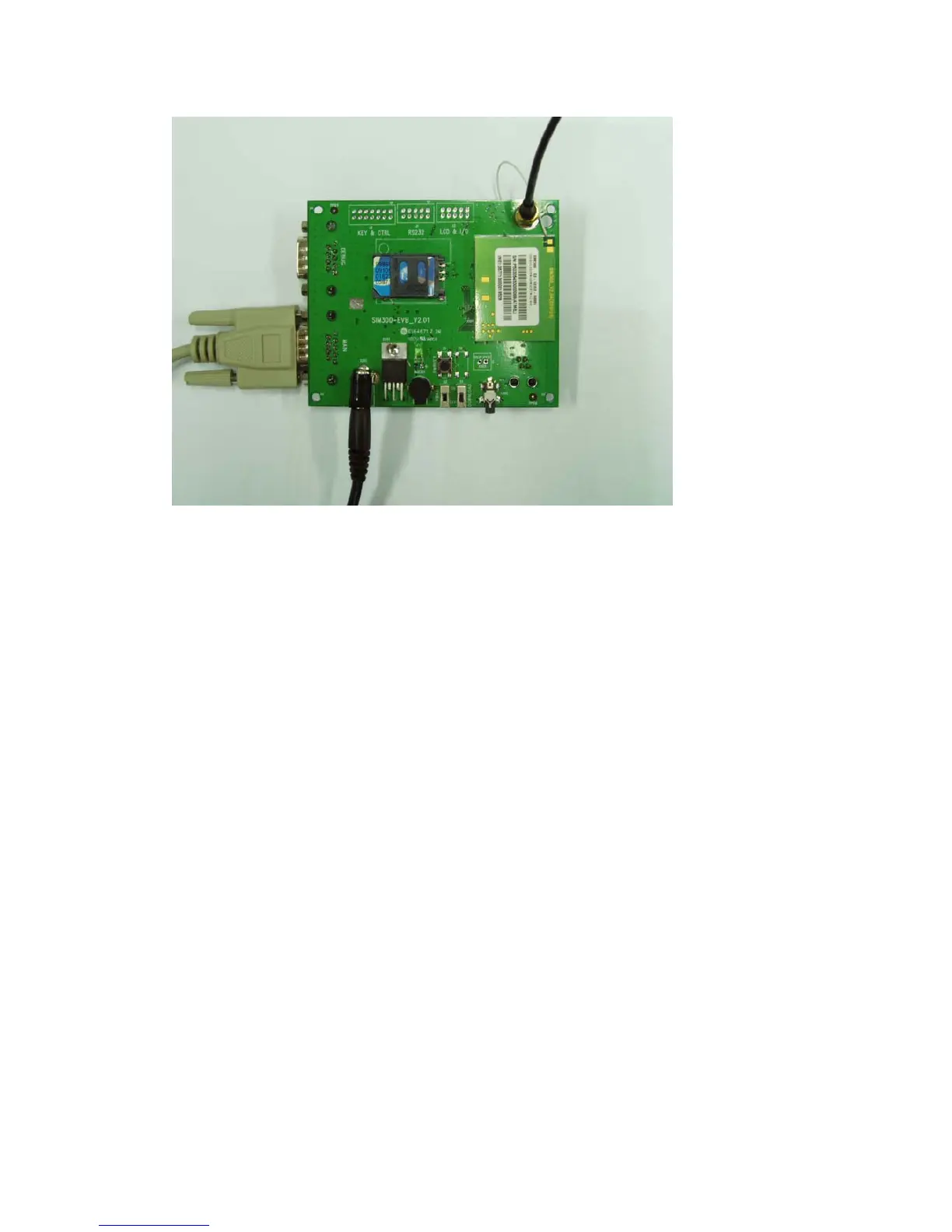
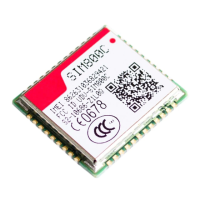
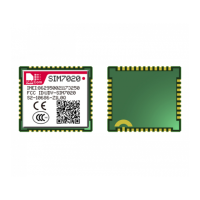
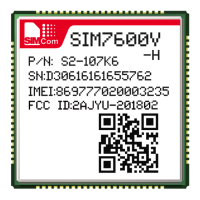
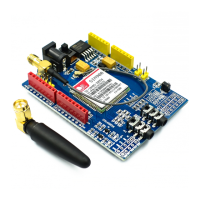
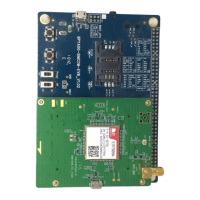
Figure3: EVBandaccessoryequipment
3 Operation
Firstly,please equip the module and accessories as the figure 3:
3.1 Tune up procedure
1)switching the S1 switch to off state, S2 switch to ON state;
2) Press the PWRKEY button for about 1 second, then the LED glint,and the module is tuning
up successfully;
3.2 Setup the phone call
Please setup a HyperTerminal(AT command windows) step by step:
Step1,setup the HyperTerminal connect:



 To Next Page