Smart Machine Smart Decision
Response
+CSDT: (0-1)
OK
Test Command
AT+CSDT =?
Parameter
See Write Command
Response
+CSDT: <mode>
OK
Read Command
AT+CSDT?
Parameter
See Write Command
Response
OK
ERROR
Write Command
AT+CSDT=<mode>
Parameter
<mode>
0 Switch off detecting SIM card
1 Switch on detecting SIM card
Note: when the detecting function is activated, the status of sim card will auto report via the serial port. The
sensing of a hot removal of the SIM is not supported during power saving mode (AT+CFUN=4).
T900_User Guide_V1.02 24 2013-05-22
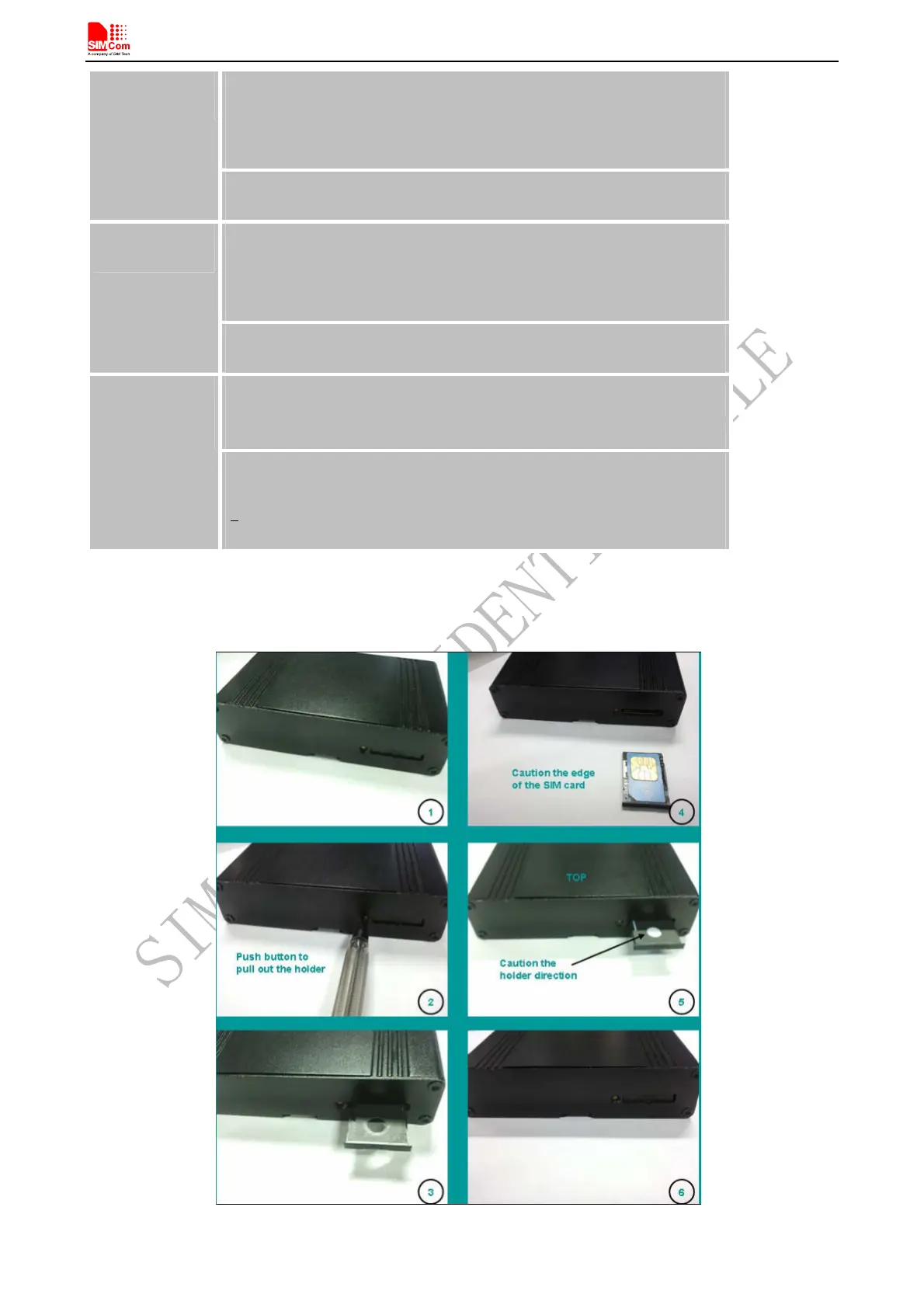
Figure 17: Installation of SIM Card



 To Next Page