33
ALARMS3.3.3.7
The Alarm menu appears solely if a warning status is active or if a non blocking alarm condition has been detected.
By pressing the button Set (key #3), a list of the currently active alarm conditions pops up; if more than a single alarm are active, they can be browsed
using key #4.
Table 15 lists all the various alarm conditions which can be displayed within the menu.
Alarm condition
Service
Pellet Low Level (fuel low)
Water Temp. Sensor Failure
Water Pressure Switch Failure
Water Pressure Out of Range
Alarm conditions listTable 15
ALARM CONDITIONS3.3.4
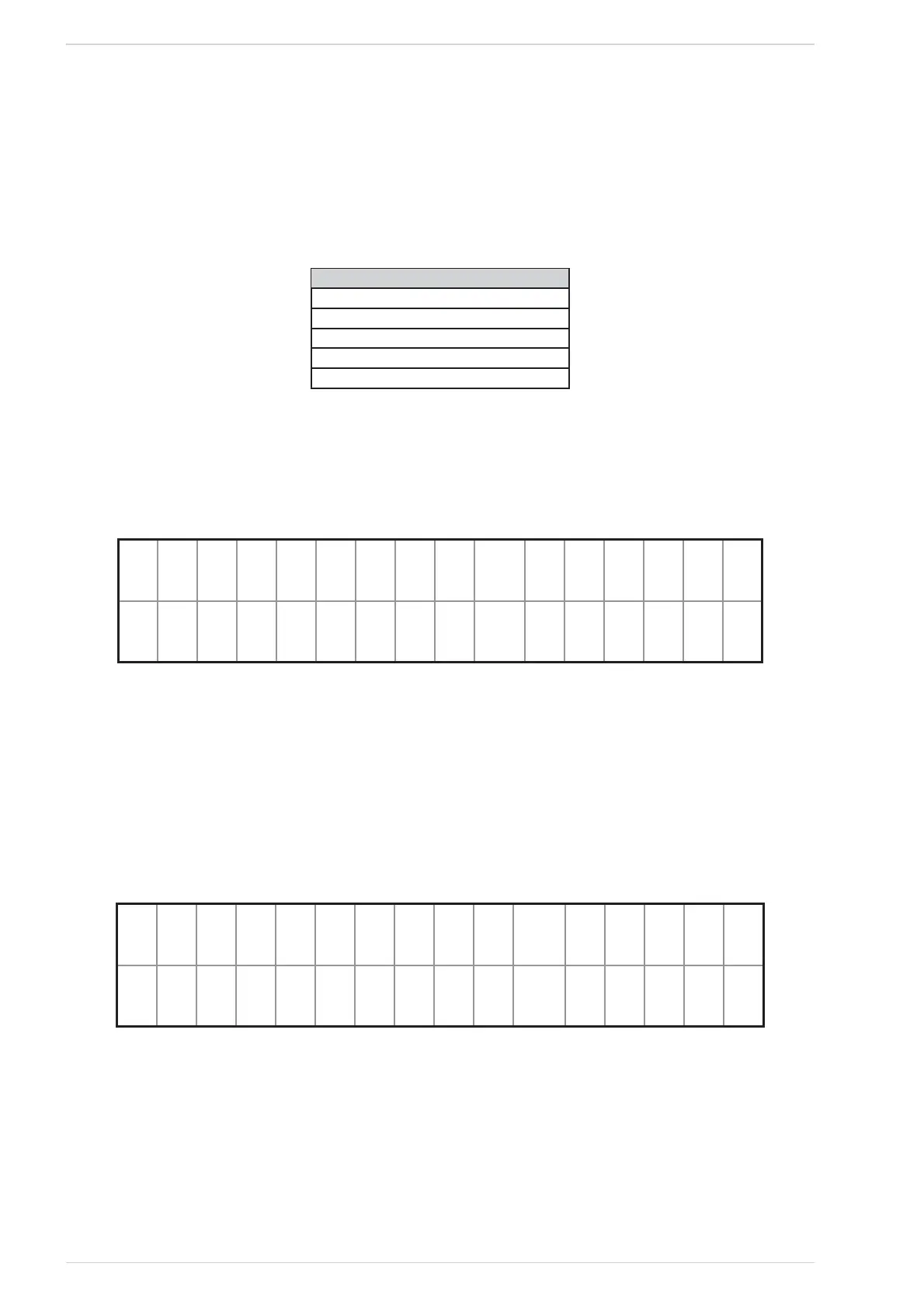
When an alarm condition occurs, the ALARM screen is displayed (See Fig. 57); in such a situation the start screen cannot be accessed and the heater
status cannot be changed before issuing an unblock command.
info 8C8ID 8~
@ gnition = ai led
ALARM screenFig. 57
On the bottom line the alarm type and name is scrolled and in the middle of the top line “ALARM” blinks, while “info” and the alarm code “Axx”
are steady on.
The alarm notifying sound may be stopped by pressing the key On/Off (key #5); if the key is pressed for more than 2s, the alarm will be cancelled
after a processing wait time (See Fig. 58). After a cancel command has been issued, if the alarm cause is removed, the display reverts back to the
START screen (See Fig. 48).
While the ALARM screen is displayed (See “Fig. 57 ALARM screen”), if the key #1 is pressed for 5s, the main menu is accessed; from within this
menu the setting up errors which might have caused the alarm condition may be corrected. The heater status may be monitored also from within the
info menu.
8C8ID 8~
: ontrolling...
ALARM screenFig. 58



 To Next Page