34
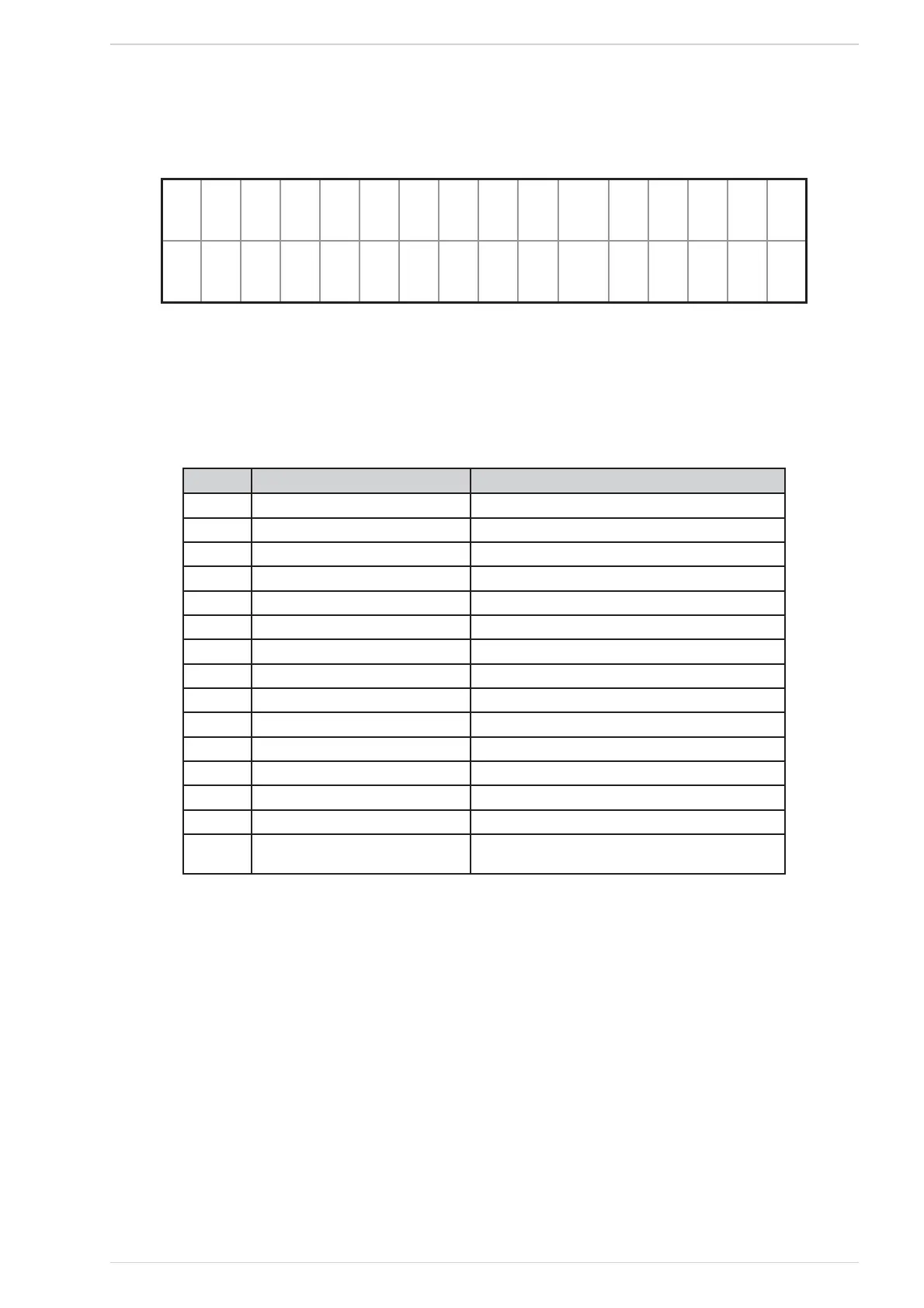
By pressing the key info (key #1) the display shows a brief description of the problem occurred (Fig. 59).
esc 8C8ID 8~
: al l 8 ssistance
ALARM screenFig. 59
On the top line “info” is replaced by “esc”, while ALARM is steady on; on the bottom line a brief description of the problem is scrolled. The display
reverts back to the previous screen by pressing the key esc (See Fig. 57). If no other key is pressed for 60 seconds, the display reverts back to the
start screen.
The Table 16 shows a list of the alarm codes, their names and useful informations about how to reset them.
Code Alarm type Informations
A01 Ignition Failed Clean Brazier and Restart
A02 Flame Shut Down Fill Pellet Tank
A03 Pellet Tank Over-Temperature See instruction manual
A04 Fumes Over-Temperature See instruction manual
A05 Fumes Pressure Switch Alarm NON PREVISTO
A06 Combustion Airflow Alarm NON PREVISTO
A07 Door Open NON PRESENTE
A08 Fumes Extractor Error Call Assistance
A09 Fumes Temp. Sensor Error Call Assistance
A10 Pellet Igniter Error Call Assistance
A11 Pellet Feeder Error Call Assistance
A13 Electronic MotherBoard Error Call Assistance
A15 Pellet Level Alarm Check Pellet Level
A16 Water Pressure Out of Range Restore the Correct System Pressure
A18 Water Tank Over-Temperature Safety thermostat.
SEE INSTRUCTION MANUAL
Alarm listTable 16



 To Next Page