8
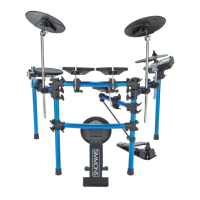
SD KIT
OWNER’S MANUAL
connections
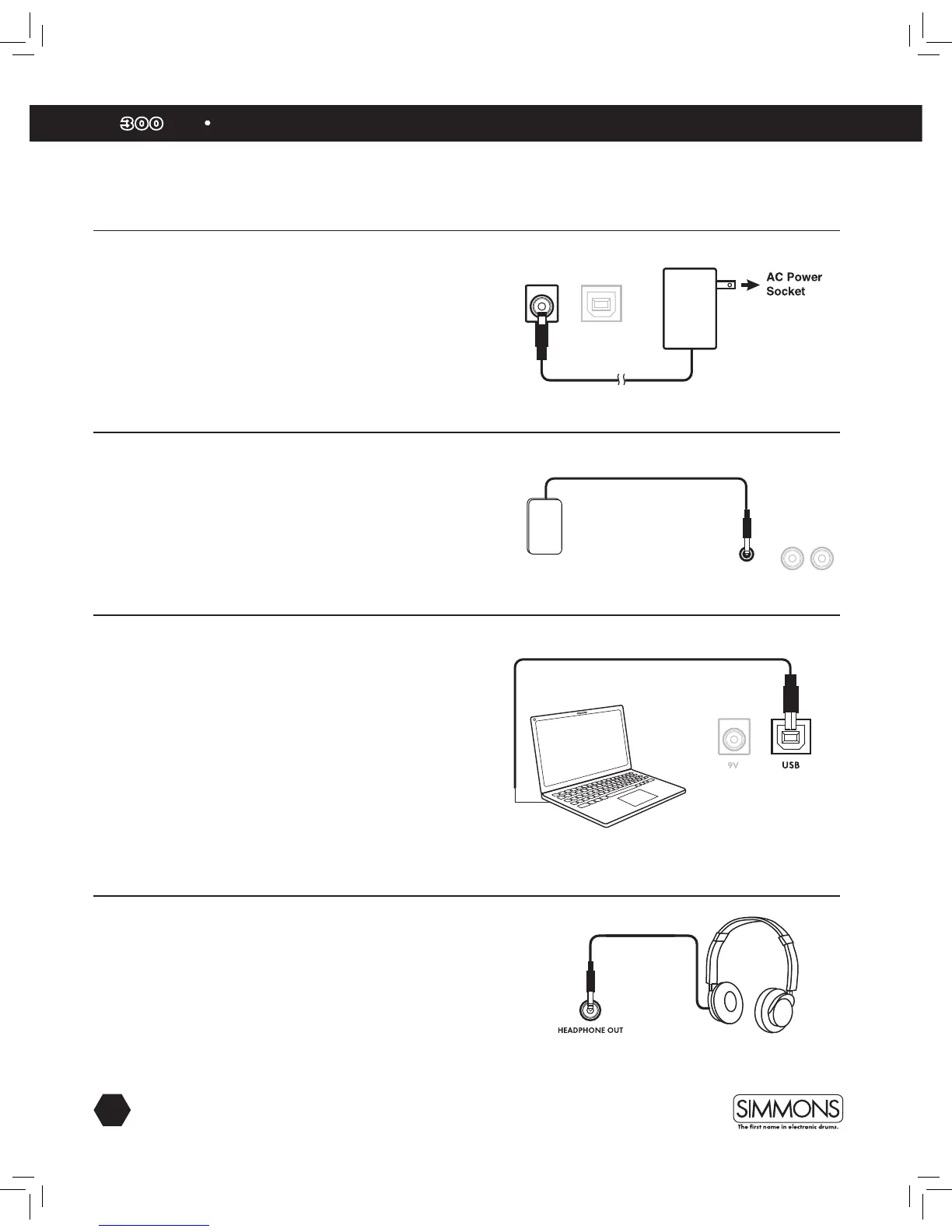
Connecting the Power Supply
Connect the AC power adapter to a wall socket as shown in
this illustration.
Connecting External Audio Devices
The audio output from an external source can be connected to the
AUX INPUT jack on the rear panel and mixed with the sound of the
drum module. This is ideal if you want to play along with songs or
follow an audio drum tutorial.
The volume of the external signal is controlled on that device.
Connecting USB MIDI
Your drum module is USB class-compliant. This means you can
plug it into a USB class compliant host (such as most modern MAC
and PC computers as well as many tablet devices), and it should
be recognized immediately. There are no drivers to install; simply
plug n’ play.
If you connect the drum module to a computer, you can trigger
software programs or record your performance into a MIDI
sequencing application. Check the operation and setup instructions
for the software you intend to use for more details.
USB cable not included.
Connecting Headphones
Your headphones can be connected to the SD300KIT. The
headphone jack is located on the front left side of module. Use the
MASTER VOLUME knob to adjust the headphone volume.
AUX INPUT
AUDIO
DEVICE
—
OUTPUT
—
R
L/MONO



 To Next Page