SDM630 DMR TIER II – OPERATING INSTRUCTIONS
© SimocoGroup Australasia 2013 page 11 TNM-U-E-0108 Issue 1.1
3.1 M
ENU
N
AVIGATION
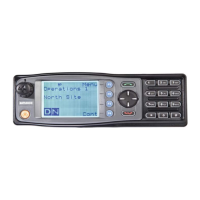
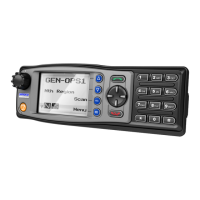
Pressing the “F4” key selects Menu mode from the main Channel Screen. Once in menu
mode, the ▼ and ▲ keys cycle through the menus.
To exit Menu mode, press the “F4” key again or the Menu timeout will exit automatically.
Generally, pressing “F4” key while in a menu backs up to the next highest level of menu and
the “F1” button selects the menu screen.
The ▼ and ▲ keys are used to navigate through a list of options such as channels, or
increase/decrease a value.


 To Next Page