permission will cause danger and violate warranty terms
.
T
he battery must be installed according to the instruction of the manual, otherwise
the battery will be gr
eatly damaged.
The phone must be turned off before you install/unload the battery, otherwise the
storage of the telephone may be failure.
Do not take out the battery when the phone is turned on.
The performance of battery is affected greatly by t
he network
s coverage.
To charge the battery: make the battery discharged until the telephone stops working
and
the display on the screen disappears, plug in the connector of the charger to an
electrical outlet, insert
the adapter into the phone and m
ake the battery charged full.
After charging, pull out the charger from the electrical outlet at first, and then pull out
the charger from the phone.
If the phone stays unused for a long time, please turn off the phone to avoid over
discharging, otherwi
se, the battery may be damaged.
Normally the lifetime of the battery is 500 times of charge/discharge, the performance
is getting down gradually as time goes by. You have to contact the supplier for
replacing the batteries.
Please avoid battery short c
ircuit,
otherwise, it may cause fire.
It is highly recommended that the battery should be fully charged before being left
unused for a long time.
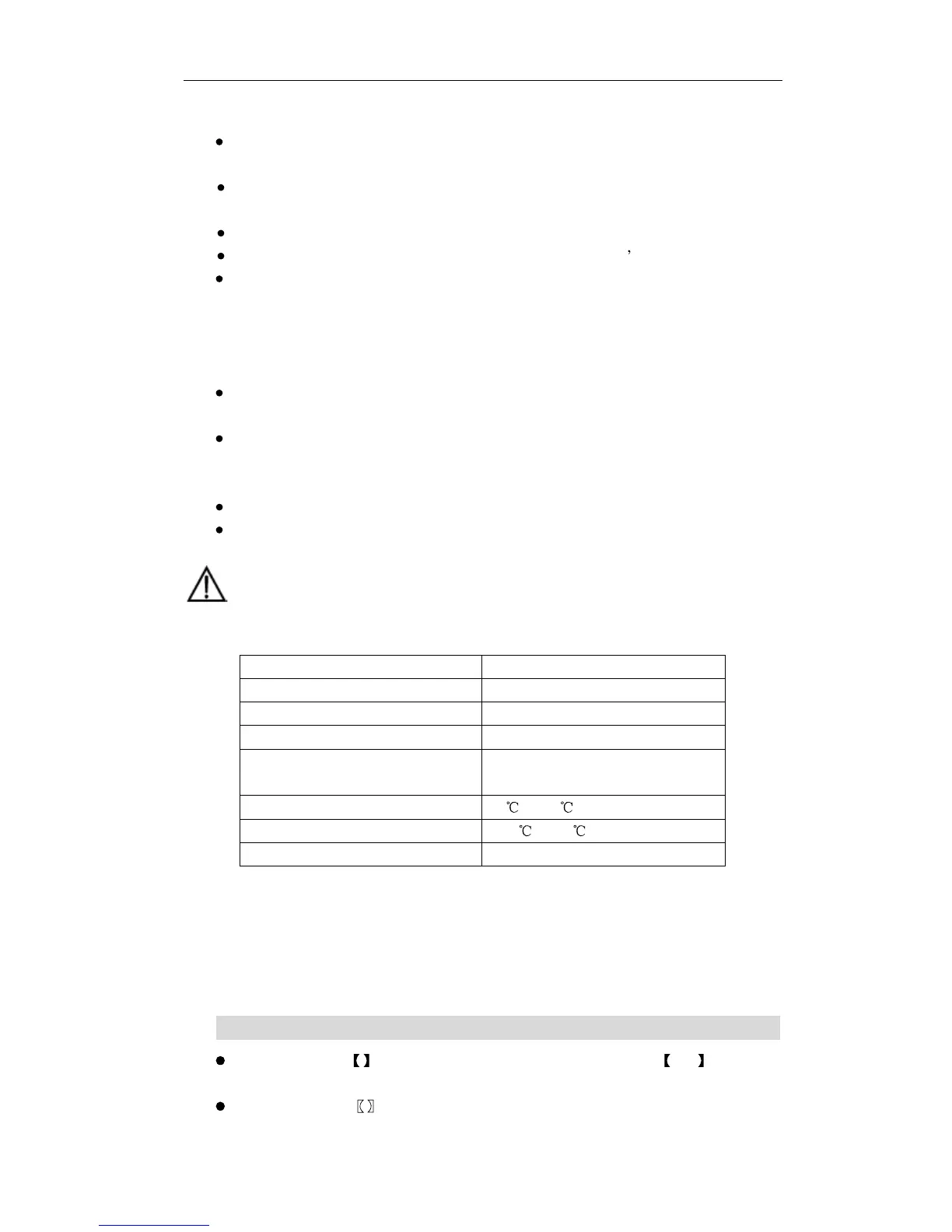
Specifications
Item
Description
Dimensions
230mm*205mm*75mm (W*D*H)
Weight(including
spare battery)
Less than
1000
g
Mounting method
Horizontal or wall mounting
Input voltage
AC: 90V to 264V (50
Hz to 6
0
Hz)
DC:
5.2
V±
5%, 1.0A
Operating temperature
0
to
40
Storage temperature
-1
0
to
50
Operating humidity
5% to 9
0%
II.
The
Ma
nual Usage
The contents in
represents the key on telephone. For example:
OK
represents
OK
key.
The contents in represents the left or right soft key on the screen. For example:



 To Next Page