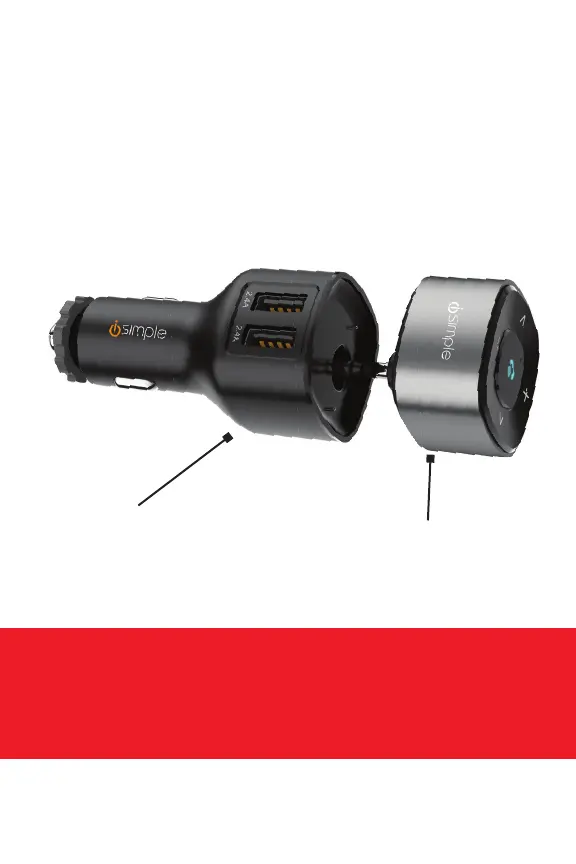
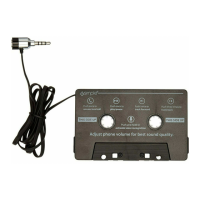
BOX CONTENTS
Be careful when removing all items from the packaging tray.
Take care not to tug or pull on cables.
12V Plug (B)
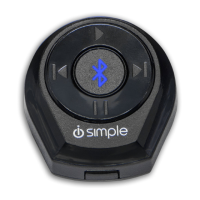
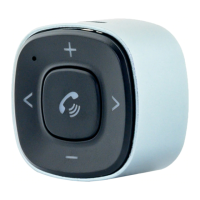
Control Button Module (A)
Plug into your car’s 12V socket
(cig plug) for charging Control
Button Module (A) or your smart
devices (charging cables not
included)
Plug into your car’s AUX port
after initial charging
3
12V Plug (B) Control Button Module (A)
INSTALLATION SETUP
NOTE: Make sure you are parked in a safe spot before installation or
whenever you are pairing a device. NEVER WHILE DRIVING.


 To Next Page