6
Adjust the volume using your device and radio volume.
HOW TO PLAY YOUR PHONE’S AUDIO
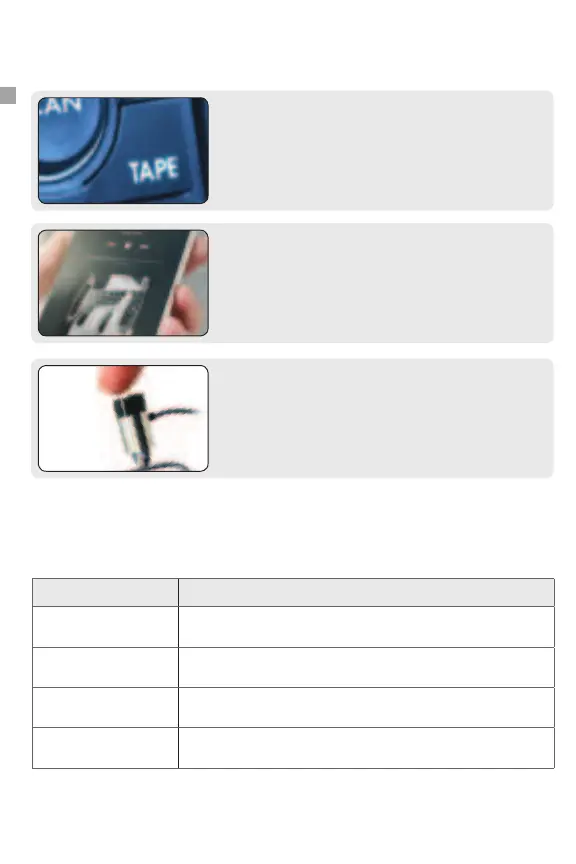
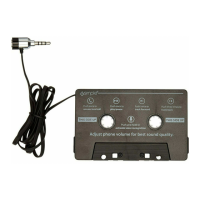
Select the “TAPE” source on your radio to hear music and
phone calls from your phone.
Step 1
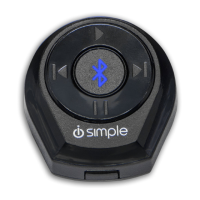
On your device, access your music/media player of choice.
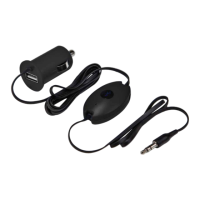
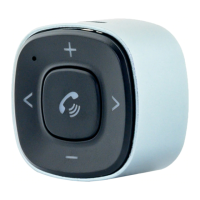
Use the (B) Control Button for functions such as play, pause
and track forward.
(Performance and functions may vary depending on the device and app used.)
Action Description
PLAY Press button once
FORWARD TRACK Press button twice
REVERSE Press button three times
ACTIVATE VOICE
RECOGNITION
Press button and hold
Step 2
Step 3
CONTROL BUTTON FUNCTIONS


 To Next Page