Installation | 13
Antenna Mounting
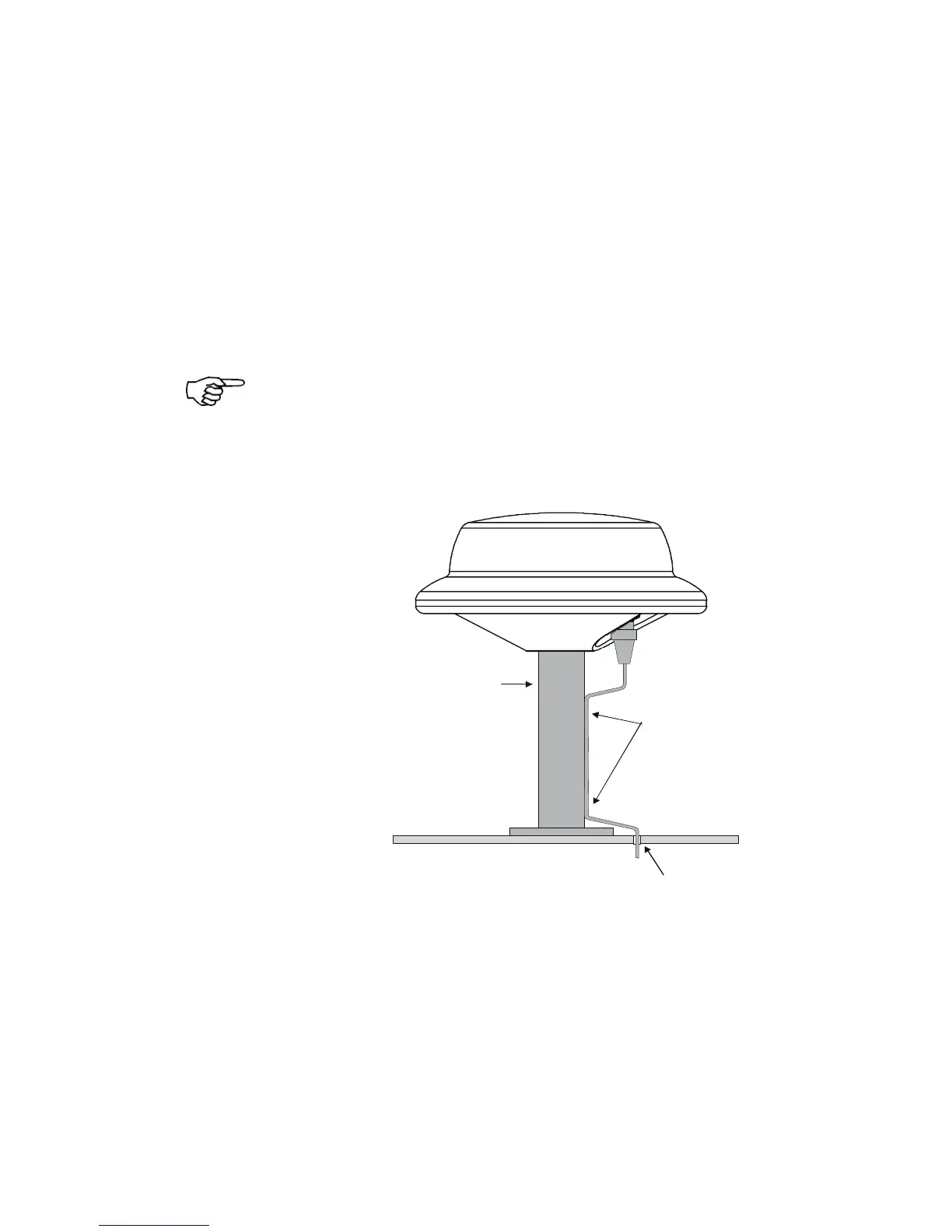
Bracket Mount
The MX521 mounting thread is an industry standard
fitting for VHF antenna mounting (1inch, 14 TPI). This
enables the antenna to be mounted on a wide range of
mounting brackets, including the swivel joints, commonly
used for angled surface. Refer to the figure below for
bracket mounting illustration.
Hand-tighten the antenna onto the bracket until snug.
Do not overtighten.
A 10-pin (male) plastic connector is mounted at the
underside of the antenna for power and data connection.
MX521 Bracket Mounting
Surface Mount
The MX521 can also be surface-mounted. Make sure
there is at least 5-inch clearance underneath the
mounting surface to accommodate the lower section of
the MX521 housing, connector and cable. Refer to the
figure below for surface mounting considerations. Cut a 5



 To Next Page