7
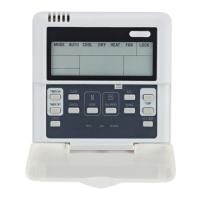
③ ALARM CLEAR button
Press the button, then can clear some
errors which need to operate manually
for recovery. These errors represent
there are problems while the unit is
operating, but will not affect the system
safety. If this type of error came out
frequently then it needs to check and
maintain the unit.
④ QUERY button
Press the button, inquire state informa-
tion of No. 0 to No. 15 outdoor units (the
default is state information of No.0 unit)
and enter inquiry state. After entering
inquiry state, inquire the information of
the former unit or the
②
Operation mode button:
In the power off status, press this button
to select the operation mode. This
function is invalid at power on status.
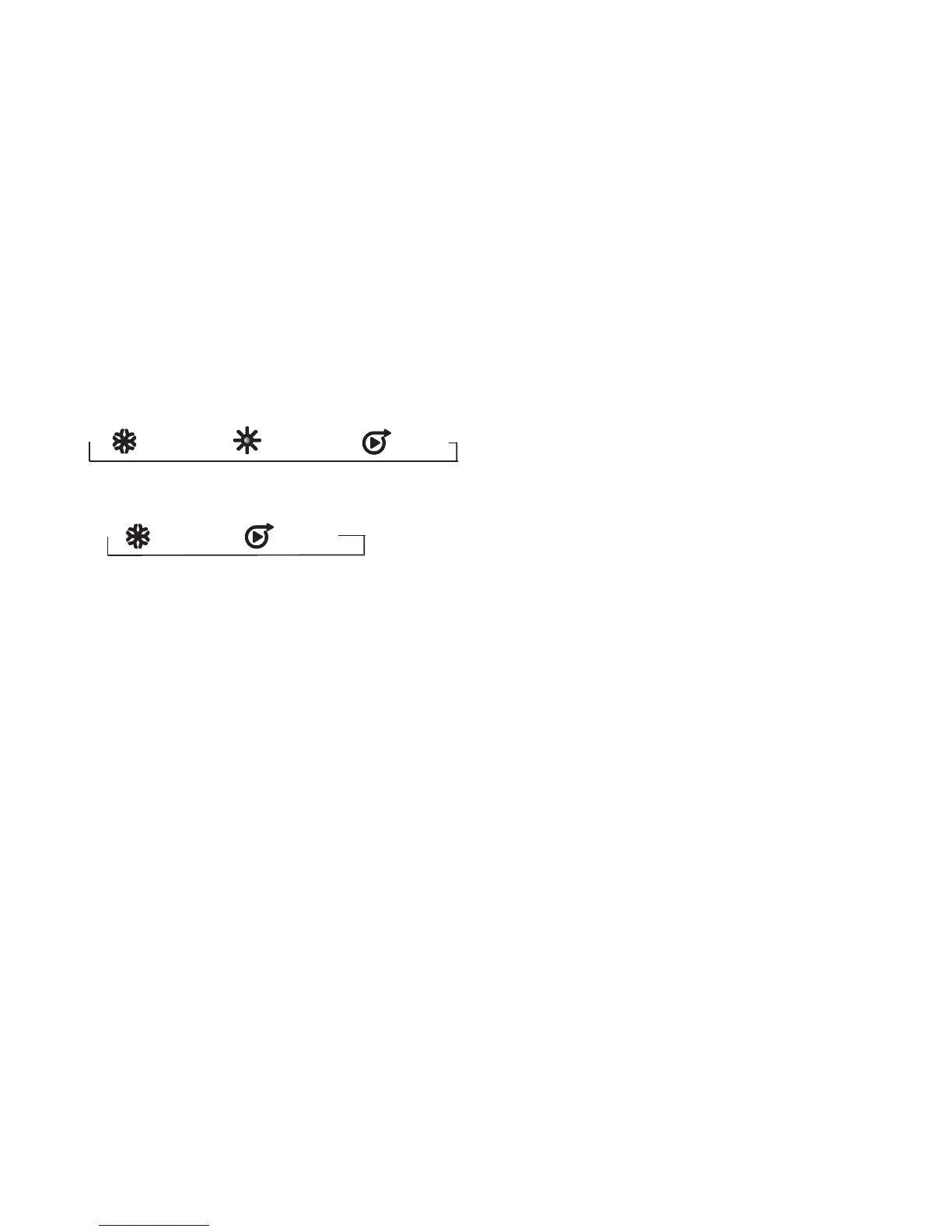
Modes shifted sequence as follows:
1) Mode of KJR-120A air cooled modular
wire controller:
2)Cooling only air cooled modular wire
controller:
→ (Cooling)→ (Pump)
following unit through “ADDRESS/+” and
“ADDRESS/-”. After a certain outdoor
unit is selected, state information of the
outdoor unit can be inquired through
“page up” and “page down”. There are
two possible inquiry sequences.
1).Error→protection →outlet water
temperature Tou→inlet water tempera-
ture Tin→outdoor ambient temperatures
T4→outdoor pipe temperature T3A→
outdoor pipe temperature T3b→current
of the compressor IA → current of the
compressor Ib→anti-frozen temperature
T6→electronic expansion valv opening
FA→electronic expansion valv opening
Fb→Error......The wired controller only
displays the last fault information and the
protection information, when query is
conducted on fault and protection
information.
2). outdoor pipe temperature T3A→
protection→Error→outlet water
temperature Tou→current of the
compressor Ib→current of the compres-
sor IA →Setting temperature Ts→
outdoor ambient temperatures T4→
outdoor pipe temperature T3b→outdoor
pipe temperature T3A......The wired
controller only displays the last fault
information and the protection informa-
tion, when query is conducted on fault
→ (Cooling)→ (Heating)→ (Pump)



 To Next Page